Looking for an AI face swap app?
A face swap app drops your face into someone else's picture. Facetopia restyles your own selfie in 180+ looks instead. Here is which one you need.
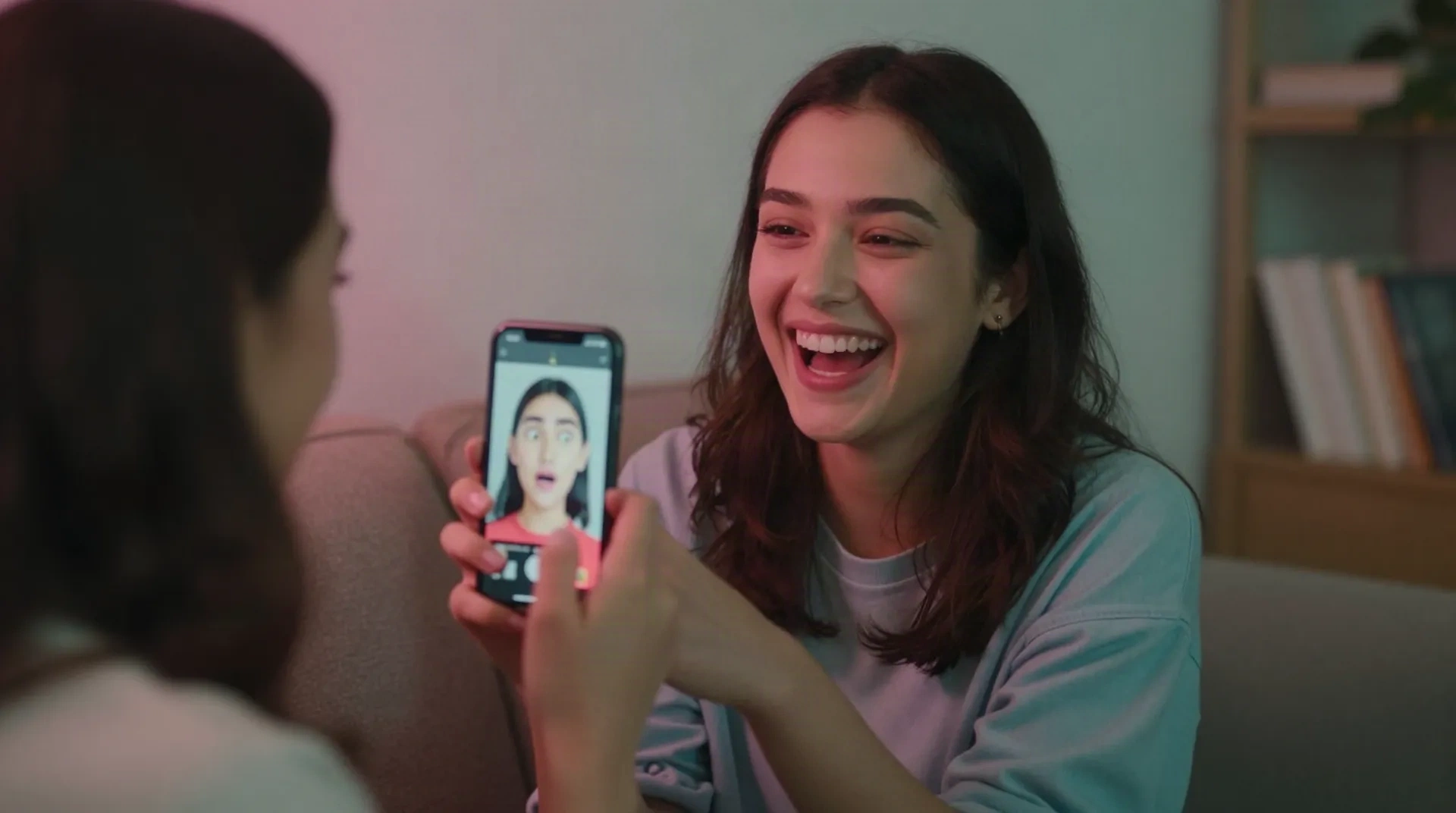
Three reasons people search face swap
Be in the meme
You want your face on a movie scene, a GIF or a trending template. That is a true face swap, and a dedicated swap app does it best.
See a new version of you
You want a fresh look for your profile or a reel cover. A style transform redraws you in anime, chrome or Renaissance without swapping anyone.
Prank the group chat
You want something your friends will react to within seconds. Same selfie, five styles, and let them vote on the best one.
Fast and no setup
Upload one selfie, pick a look, get a result in under a minute. No prompts to write and no training on 20 photos.
Trends land quickly
When a look goes viral on TikTok, it shows up in the catalog fast, so your post matches what your feed is doing this month.
Honest limits
Facetopia does not put your face on another body. It also has rough edges: glasses can glow and darker skin tones have been tested less.
Face swap, style transform, or camera filter
The terms get mixed up constantly. Here is what each one really does to your photo.
| Compare | Face swap app | Facetopia style transform | Camera filter |
|---|---|---|---|
| What changes | Your face goes onto another body or template | The whole image is redrawn around your own face | Effects overlay on a live camera feed |
| Best for | Memes, movie scenes, template videos | Profile photos, reel covers, alter egos | Quick fun while you shoot |
| Needs a target image | Yes, a template or another photo | No, one selfie is enough | No, it uses your camera |
| Typical free tier | Daily credits, often watermarked | 10 transforms a day, 180+ styles | Free inside the platform app |
| Main catch | Billing and cancellation complaints are common | No face swap, and glasses can add a glow | Looks predictable once everyone uses it |
From selfie to new look in three steps
No account marathon, no prompts to write.
-
1
Upload a selfie
Front-facing, decent light, nothing covering your face. That is the whole ask, and you do not need a pro photo.
-
2
Pick a style
Scroll the 180+ styles. Anime for an alter ego, Renaissance for the joke, Y2K chrome for the aesthetic account.
-
3
Download and post
Save it to your camera roll and use it as a profile picture, a Story, a Discord icon or a reel cover.
The group chat version of a face swap
The fun part of a face swap is the reaction, and you can get most of it without swapping anyone. One person makes an anime version of themselves, and an hour later the whole chat wants theirs. Run the same selfie through a few styles, post them side by side, and let your friends vote on which one is the real you. Trends like these last a few weeks, so post while it is fresh.
- Same selfie, different styles, side-by-side posts
- Fast enough for a group chat challenge
- Free plan covers a whole friend group
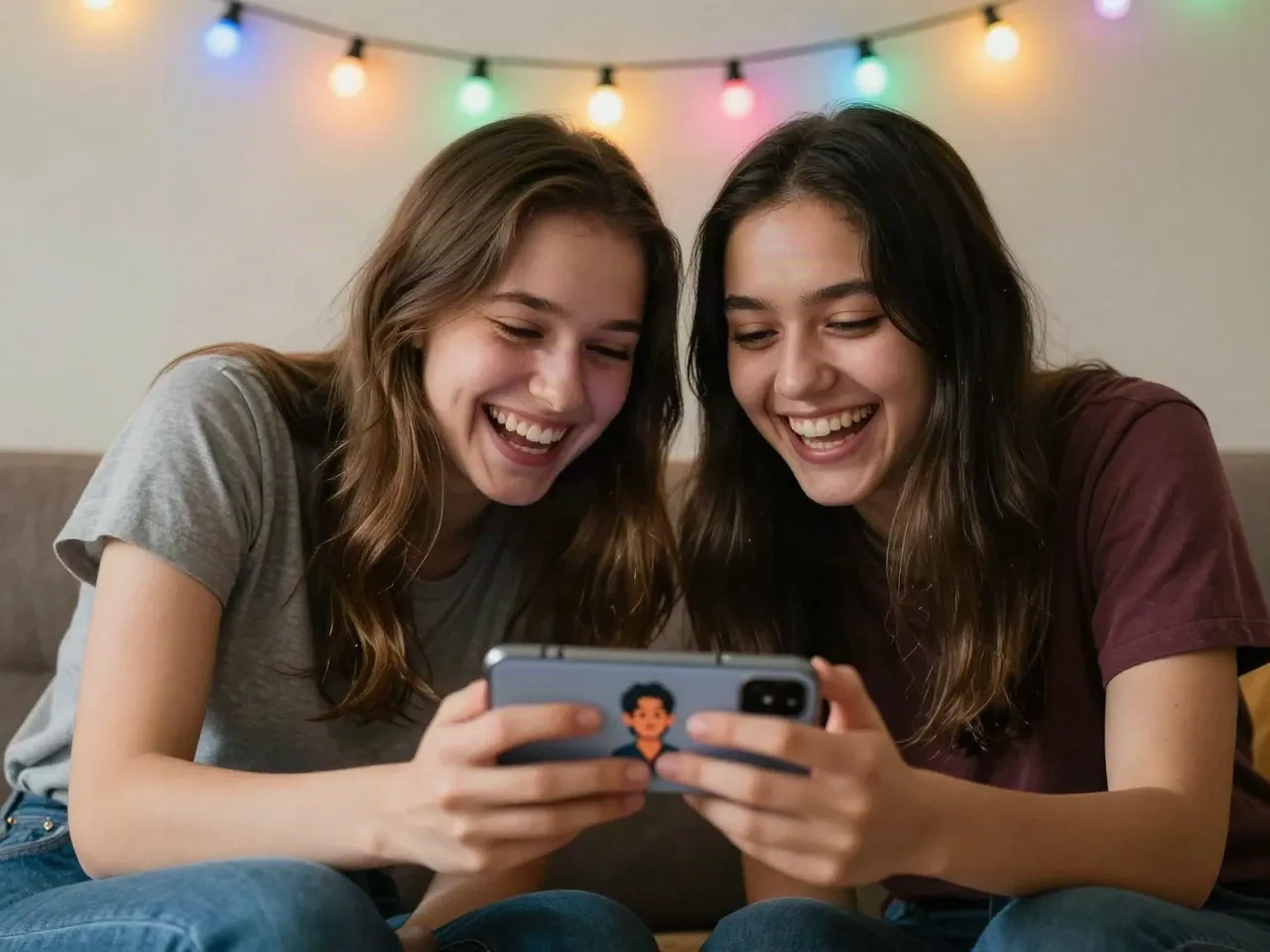
When you want a new you, not a new body
If you came for a face swap because you were bored of your profile picture, you may not need a swap at all. A style transform keeps the face your friends recognize and changes everything around it. Make a chrome version for the aesthetic account, an anime one for gaming, a clean cartoon for the group chat. It takes a few minutes and costs nothing on the free plan.
- TikTok and Instagram profile pictures
- Discord and Twitch icons
- Reel covers and Story stickers
Use face swap tools responsibly
Check the privacy terms
Any app that handles your face stores it somewhere. Read the retention policy before you upload a photo you would not want kept.
Get consent
Do not swap or restyle someone else's face without their okay, and do not post results meant to fool people about who is in a picture.
Watch the billing
Weekly plans add up fast. Pick monthly or annual if you subscribe anywhere, and set a reminder to cancel after the trial.
Test with the free tier
Try a few results before you pay. If the free output already looks off on your face, the paid plan will not fix that.
Start free, upgrade if you post a lot
Every plan includes the full style catalog.
Free
to try a few styles
- 10 transforms a day
- Full 180+ style catalog
- Standard resolution download
Pro
for creators who post often
- Unlimited transforms
- Full 180+ style catalog
- HD download, no watermark
- Priority processing when new styles drop
Questions about AI face swap apps
What is an AI face swap app?
Does Facetopia do face swaps?
Is there a free AI face swap app?
Is it safe to upload my face to these apps?
Can I swap faces with a friend?
Which gives better results, a swap or a style transform?
How long does a Facetopia transform take?
Try the style transform
Free plan included. Ten transforms a day, no card needed.