The AI Avatar App for Your Selfie
Upload one photo and Facetopia turns it into an AI avatar in anime, Renaissance, Y2K chrome or doll style. Free plan, no card needed.
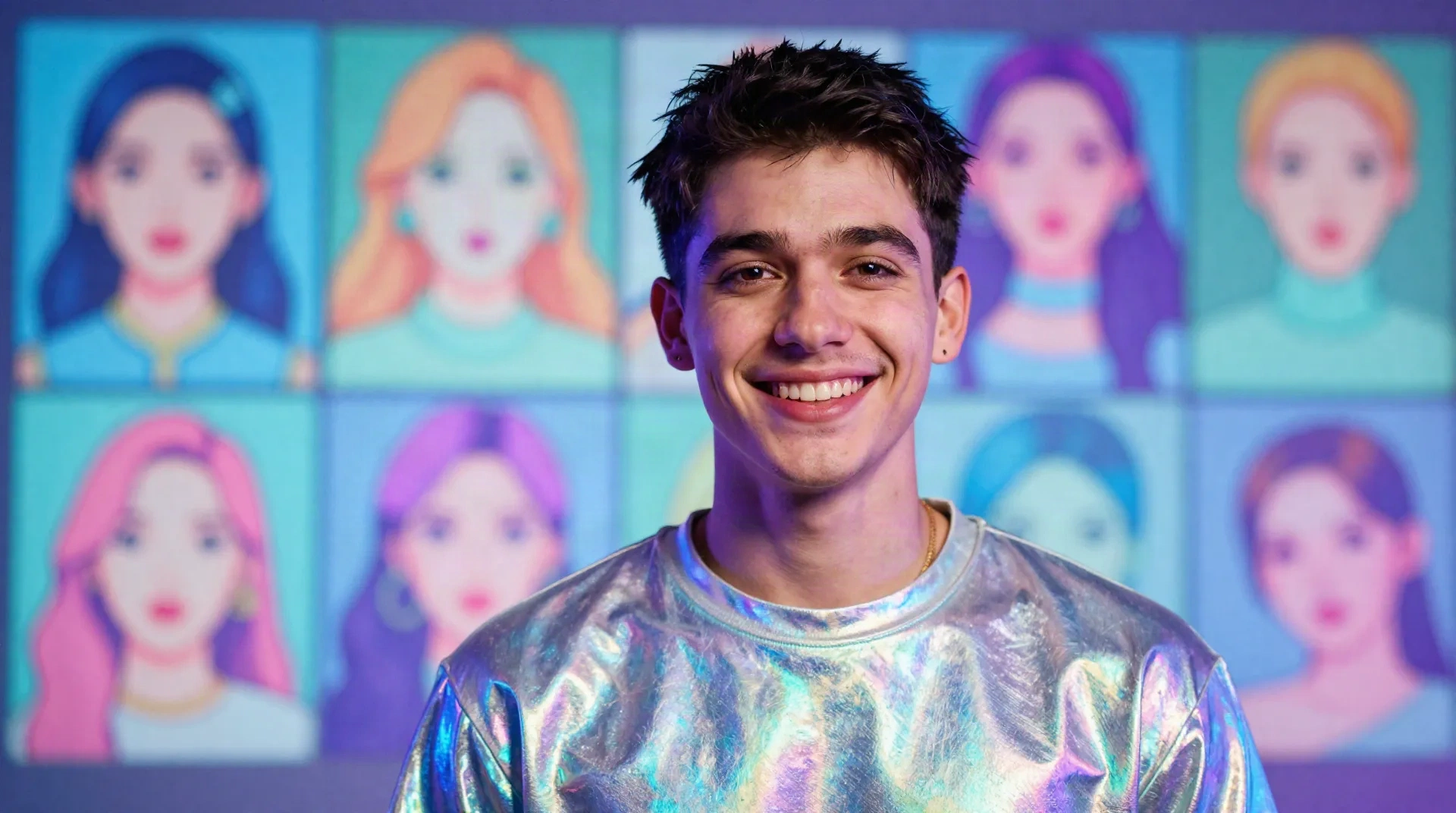
Avatars that do not all look the same
One selfie is enough
No training on 20 photos, no waiting overnight. Upload the selfie already on your phone and get a result in under a minute.
180+ styles to switch between
Anime, Renaissance portrait, Y2K mall teen, doll, elder and more. Try five looks on the same face and post the one that lands.
Still recognizably you
The styles keep your face shape and main features, so friends know it is you before they read the caption.
Regenerate until it clicks
Not every first result is a keeper. The free plan gives you 10 transforms a day, enough to test a few styles and angles.
Trends land fast
When a style goes viral on TikTok, it shows up in the catalog quickly, so your avatar matches what your feed is doing this month.
Honest about the rough edges
Glasses can pick up a faint glow, and darker skin tones have been tested less. If a result looks off, regenerate and compare.
From selfie to avatar in three steps
No account setup marathon, no prompts to write.
-
1
Upload a selfie
Front-facing, decent light, nothing covering your face. That is the whole ask.
-
2
Pick a style
Scroll the 180+ styles and choose one. Anime for an alter ego, Renaissance for the joke, Y2K chrome for the feed.
-
3
Download and post
Save it to your camera roll and use it as a profile picture, a Story, a Discord icon or a reel cover.
An avatar for every place you show up
Your TikTok, your Discord server, your Twitch panel and your Instagram highlights do not need the same face. Make a chrome avatar for the aesthetic account, an anime one for gaming, a clean cartoon for the group chat. It takes a few minutes and costs nothing on the free plan.
- TikTok and Instagram profile pictures
- Discord and Twitch icons
- Group chat and friend-group memes
- Reel covers and Story stickers
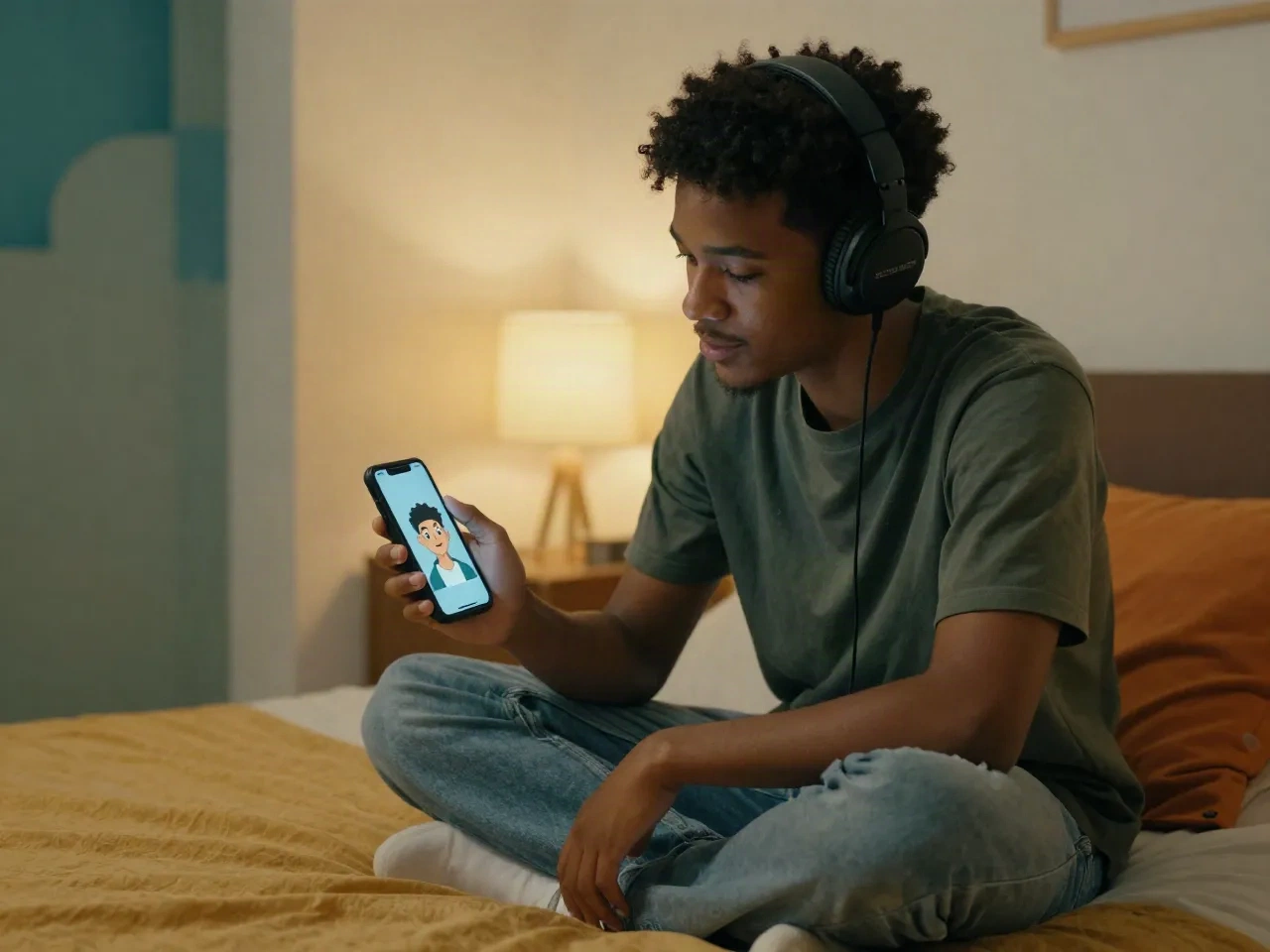
Post it, then watch everyone try theirs
The fun part is comparing. One person makes an anime avatar, the group chat asks for theirs an hour later. Run the same selfie through a few styles and let your friends vote on which one is the real you. Trends like these last a few weeks, so post while it is fresh.
- Same selfie, different styles, side-by-side posts
- Fast enough for a group chat challenge
- Free plan is enough for a whole friend group
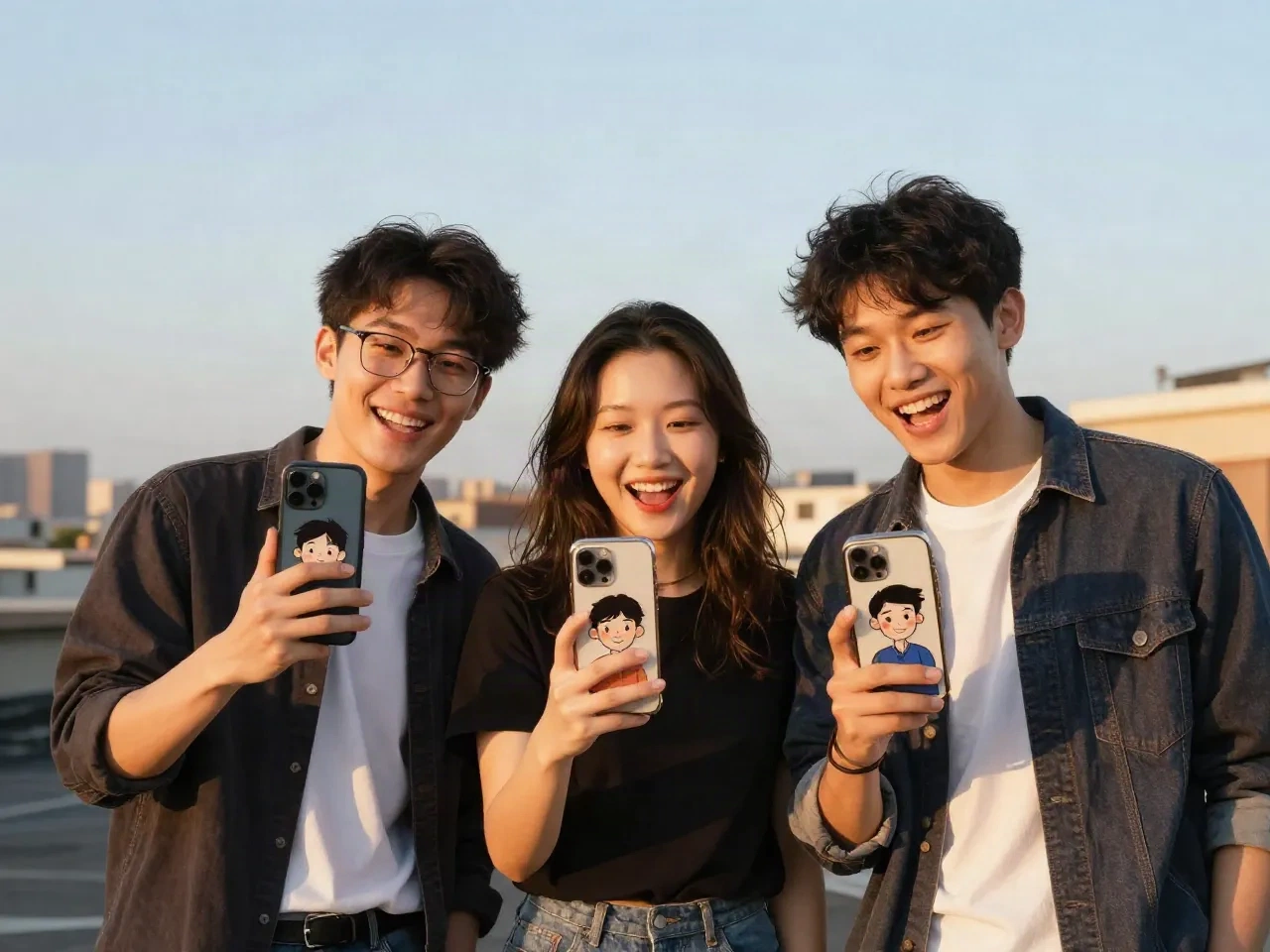
Start free, upgrade if you post a lot
Every plan includes the full style catalog.
Free
to try a few avatar styles
- 10 transforms a day
- Full 180+ style catalog
- Standard resolution download
Pro
for creators who post often
- Unlimited transforms
- Full 180+ style catalog
- HD download, no watermark
- Priority processing when new styles drop
Questions about AI avatar apps
What is an AI avatar app?
Is Facetopia a free AI avatar app?
Will my avatar still look like me?
What kind of selfie works best?
Can I use the avatar as a profile picture?
Does it work on every skin tone and hair type?
How long does an avatar take?
How is this different from a regular selfie filter?
Turn your selfie into an avatar
Free plan included. Ten transforms a day, no card needed.