What Is AI Art and Why Everyone's Posting It in 2026
Summary
AI art is any image, video, or selfie transformation created by artificial intelligence. You type a prompt, a model trained on millions of images builds something in seconds. In 2026, it powers every trend you've seen: Renaissance portraits, anime selfies, action figures. The main tools are Midjourney, Stable Diffusion, Ideogram, and mobile-first apps. Whether it counts as real art is still being debated in galleries. What you can do with it right now is way more interesting.
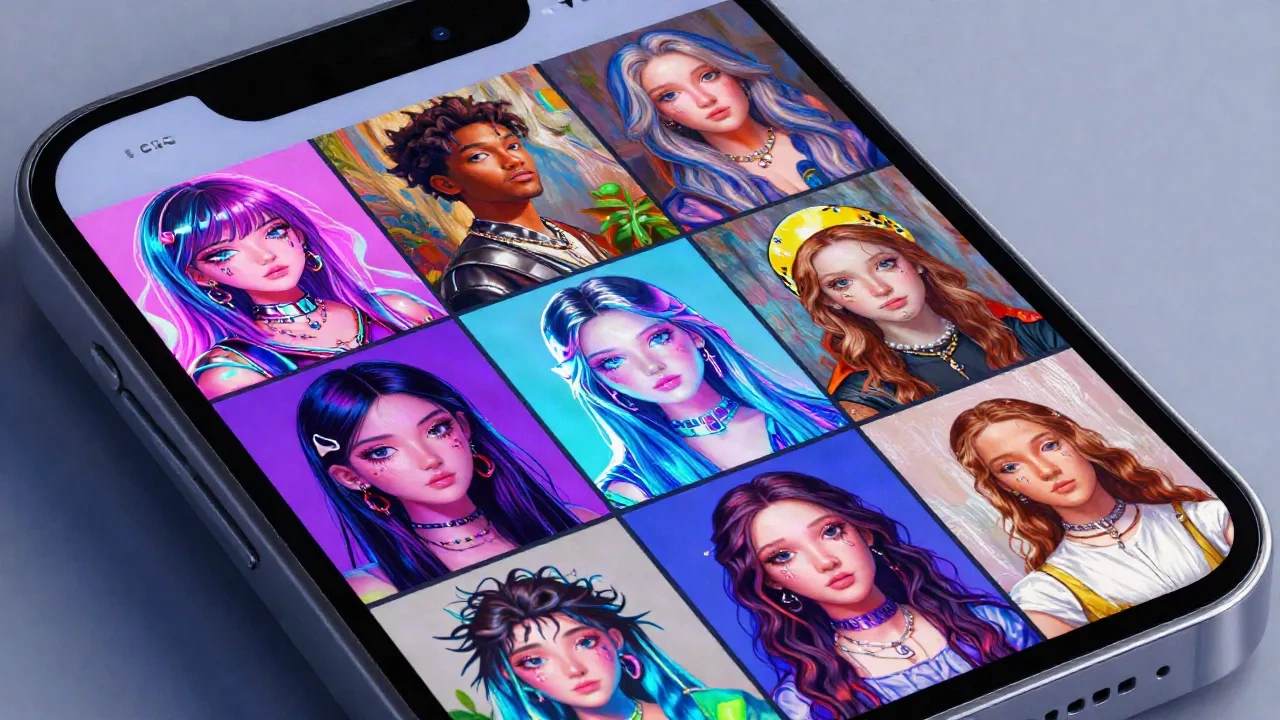
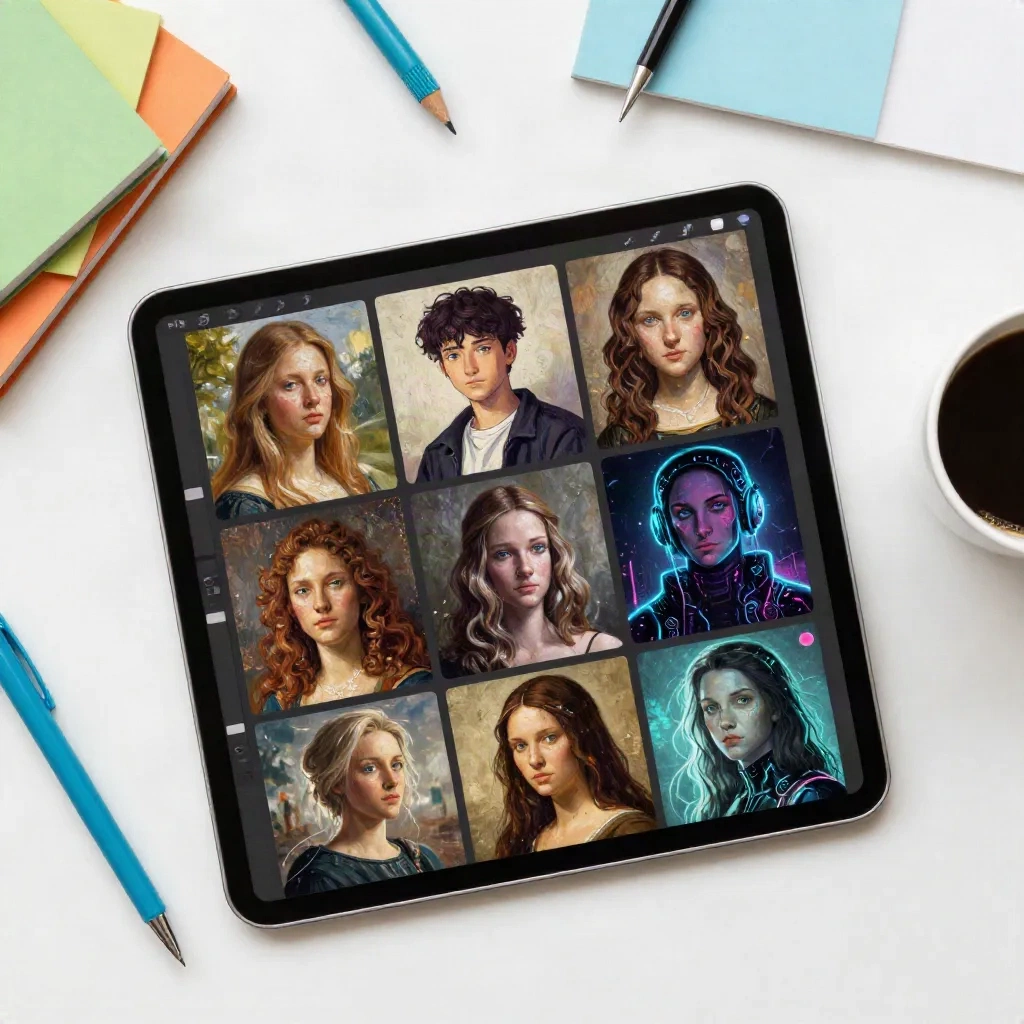
AI art is any image, video, or creative output generated or transformed by artificial intelligence. You type a description, hit generate, and a model trained on millions of images builds something new in seconds. No drawing skills needed. For anyone living on TikTok and Instagram in 2026, what is AI art? It's that Renaissance portrait of your face. The anime version of your selfie. The action figure trend. AI art is filter culture, but with the dial turned all the way up.
How AI Art Actually Works (The Non-Tech Version)
There's no artist inside the machine. No robot holding a digital brush.
What's actually happening: an AI model gets trained on hundreds of millions of existing images. Photos, paintings, illustrations, everything. Until it understands the patterns behind visual styles. "A woman in Renaissance clothing" looks a certain way. "Anime portrait, soft lighting" has its own visual grammar. The model learns those grammars.
When you type a prompt, the model runs a process called diffusion. It starts from noise, basically random pixel static, and gradually shapes it into something that matches your description. The whole thing takes between 2 and 30 seconds depending on the tool and what you're asking for.
The result isn't found or copied from somewhere. It's synthesized from patterns. Which means every output is technically new, even if the model was trained on millions of things that came before.
Most people think what is AI art means images only. The category is broader. AI music generators can compose an original track. AI text tools write stories and scripts. AI video tools animate scenes from prompts. The image side went mainstream first because the quality gap between AI-generated images and human-made visuals closed faster than in any other medium. But the same underlying logic applies across formats.
The tricky part: those millions of images it was trained on? A lot of them were created by human artists who had no idea their work was being scraped. The consent issue is real, ongoing, and not resolved by how good the outputs look.
The AI Selfie Trends That Ate Your Feed
You've seen the AI Yearbook filter moment. The Renaissance portrait wave. The AI action figure thing that spread across Instagram and LinkedIn in early 2026.
All of that is AI art. It just got packaged into mobile apps and selfie filters to make it feel like something you do instead of something you commission.
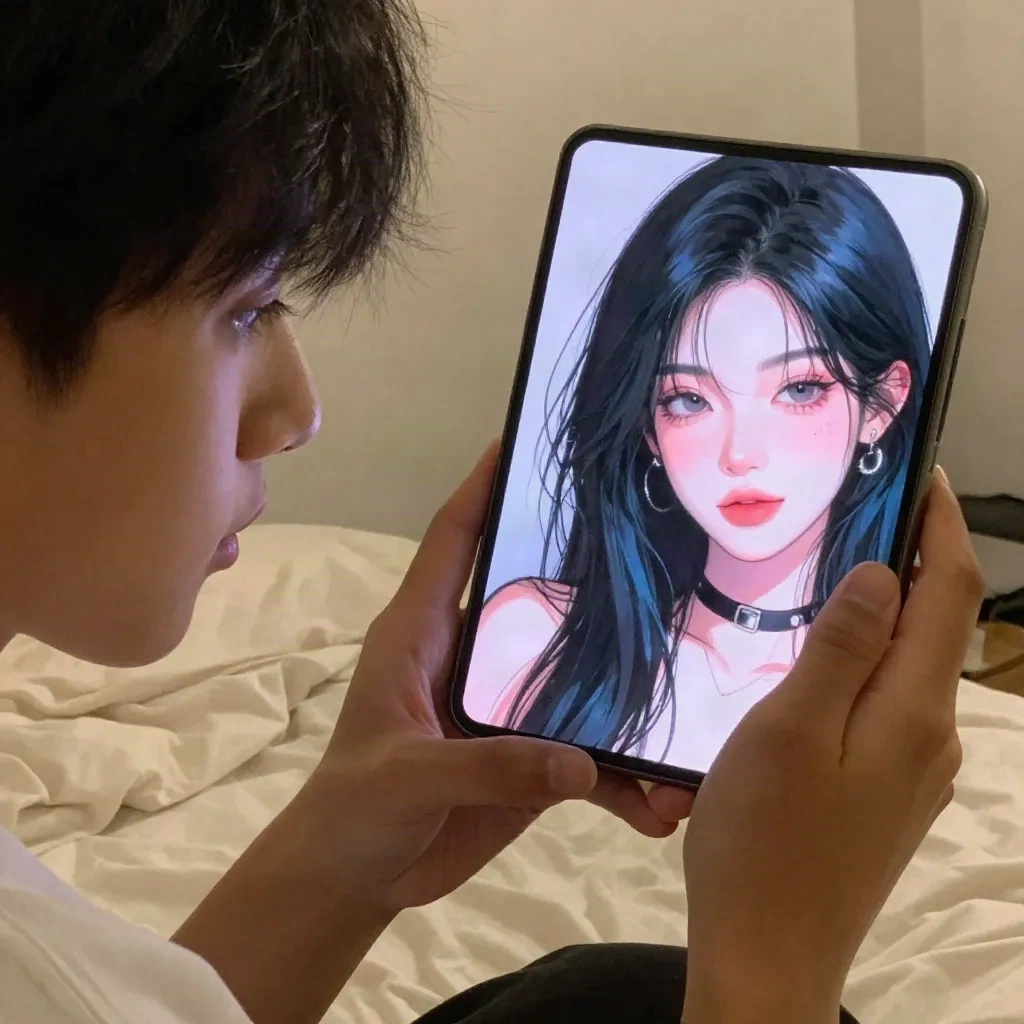
The pattern is consistent: you upload a photo, a model runs your face through a style transformation, and you get back something that's either eerily accurate or beautifully weird. Sometimes both. Facetopia runs 180+ of these styles. Anime, doll, Y2K chrome, Renaissance portrait, elder filter, cyberpunk. Each one is a different trained aesthetic applied to your face data.
The selfie transformation format is the most approachable version of AI art for most people. No prompting skills required. Upload a good photo and the model handles everything.
What makes one AI selfie trend go viral while another doesn't land? Usually it's the specificity-recognition gap. The AI Yearbook worked because the results looked like they could actually be from a specific decade. Close enough to real to be funny and shareable. Weird but recognizable. That's the sweet spot every AI selfie style is chasing.
Some trends have a 6-week ceiling and then they're done. That's not a bug of AI art, it's just how trend culture works. The style you're using today might feel dated by September. Worth knowing before you build your whole feed aesthetic around one look.
The AI Art Tools Worth Actually Using
Beyond selfie apps, there's a larger ecosystem of text-to-image generators that let you build images from scratch with a written description. The learning curve is real. So is the ceiling on what you can make.
Midjourney runs exclusively inside Discord, which is its own specific friction. The output quality is consistently the best of any tool in its class for photographic and painterly results. Subscription starts around $10/month. If you want something that looks like a professional illustration or a cinematic still, this is where you start.
Ideogram is the tool to know if you want AI art that handles text inside the image correctly. Most models completely mangle words. Ideogram doesn't. There's a real free tier that doesn't immediately feel like a teaser. Good entry point if you want to test text-to-image before committing to a paid plan anywhere.
OpenArt runs on multiple underlying models and has a strong community component. People share prompts and styles. Good for discovering what's visually interesting before it goes mainstream. The style remix feature works well for selfie transformations if you want more control than a standard selfie app.
Leonardo AI sits in the middle: more control than mobile apps, less gatekeeping than Midjourney. Solid free credits to start. Strong for character consistency if you're building something across multiple images or need a consistent look.
What Makes a Prompt Actually Work
The biggest misconception about AI art: the tool does all the work and you just click generate.
The tool handles the generation. You handle the direction.
"A portrait of a girl" gets you something generic and forgettable. "A portrait of a girl in the style of a 1990s Japanese anime film, soft watercolor background, late afternoon light, Ghibli aesthetic, no text, clean linework" gets you something that looks like an art director made a real decision.
The difference is specificity. A solid prompt includes: the subject, the style reference, the lighting, the mood, and the negatives.
Negative prompts are underrated by beginners. "No extra fingers, no text, no watermarks, no blur, realistic skin texture" saves you from regenerating 10 times because the AI gave your portrait a sixth finger or a random watermark baked into the corner.
En vrai: the fastest way to learn prompting is to find a good output in a community like OpenArt's feed, copy the prompt, run it, then change one element at a time and see what shifts. You learn more in 20 minutes of that than in a week of reading about diffusion models.
One honest note: the quality gap between a beginner prompt and an experienced one is real and significant. Your first 20 generates will probably disappoint. That's not a problem with the tools. It's the same learning curve as photography or any other visual skill.
The 'Is AI Art Real Art?' Debate (And Why It's the Wrong Question)
Every few months, someone posts an AI image in an art forum and the argument restarts. Is it real art? Is the person who typed the prompt an artist? What about the people whose work trained the model?
The debate is mostly happening in galleries and art theory departments. Not among the people actually making and sharing AI art every day.
According to Artsy's 2026 gallery industry survey, only 9% of gallery professionals consider AI-generated art a legitimate new medium. 25% see it as a destabilizing force for authorship. 28% don't even have a formal definition for it.
Gallery consensus is not the same as cultural reality.
For someone making a selfie transformation for their Instagram or sending a wild AI portrait to a group chat, the "is this real art" question doesn't really come up. The question is whether it looks good and whether it says something worth saying.
The more interesting question is what happens to human artists when image-making becomes this fast and this cheap. That question doesn't have a clean answer.
What is clear: the models were trained on human-made images, often without consent or compensation. That's not going away because the outputs are fun to use. Knowing that and using AI art anyway is a choice. Pretending the tension doesn't exist is something else.
The Limits No One Actually Mentions
AI art doesn't work equally well on everyone.
Models trained predominantly on certain demographics produce better results for those demographics. Darker skin tones, non-European facial features, older faces: these can come out distorted, smoothed over, or less accurate than results on faces that match the training set skew. It's improving, slowly. If your AI portrait looks noticeably less like you than a friend's does, that's not random. That's bias baked into the training data.
The style fatigue problem is real too. AI selfie trends move fast and the window where a specific look is fresh is short. Something that felt new and shareable in April can feel completely played out by June. The trend cycle for AI styles is compressing.
The third limit: if you're using selfie apps and uploading your face to generate transformations, you're sending biometric data to third-party servers. Most apps have terms of service covering this. Worth actually reading before you upload.
AI art is not a neutral tool that delivers identical quality to every user. It's a tool with specific strengths, specific blind spots, and specific costs that are sometimes invisible until you look for them.
Where to Start If You Haven't Tried It Yet
If you haven't made AI art yet and want to, here's the practical version:
Pick one format: either selfie transformation (upload your photo) or text-to-image from scratch (write a description). Not both on day one.
For selfie transformation: use a single, good quality photo. Natural light, face clearly visible. Not a group shot. Not a blurry screenshot. Try at least 3 different styles before deciding a tool doesn't work. First results are almost never the best ones.
For text-to-image: write a prompt that's at least 20 words. Give it a subject, a style reference, a lighting direction, and a negative list. Regenerate 5 or 6 times with small changes. Prompting rewards iteration more than inspiration.
If you want to skip the prompt-writing and get to results fast, selfie transformation apps like Facetopia are the shortest path. Pick a style, upload your photo, and you have something in under a minute. It's not the same experience as building something from a blank text prompt, but it's a completely valid way to start with AI art. Not every creative entry point needs to be the difficult one.
The first time you generate something that actually surprises you, something you couldn't have made any other way, that's when AI art goes from a trend you've heard about to something that's actually part of how you make things. That moment takes most people about 30 minutes to reach.