How to Take a Good Selfie (Light, Angle, Distance)
Summary
How to take a good selfie comes down to three things: soft light from the front (a window is perfect), enough distance so the front camera doesn't stretch your nose, and a phone held just above eye level. Wipe the lens, look at the camera dot, and shoot ten to keep one. A clean selfie also gives AI styles a much better source photo.
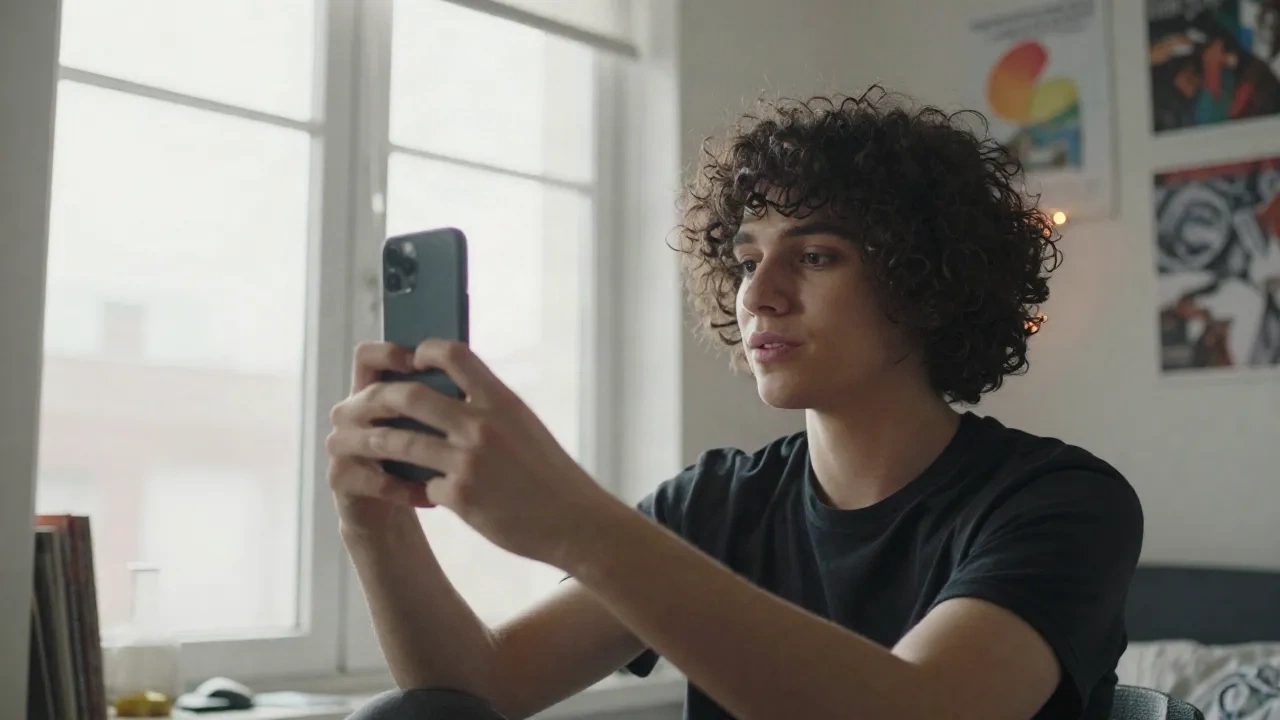
You want to know how to take a good selfie, and the honest answer is boring and great at the same time: light first, distance second, angle third, everything else is noise. Nail those three and your phone camera stops betraying you. Skip them and no filter, AI style or edit will fully save the shot.
Here's the version that actually works, tested in bedrooms, hallways and one very sad bathroom.
Why does your selfie look worse than the mirror?
Because your front camera is lying a little. Hold a phone about 30 cm from your face and the parts closest to the lens (nose, forehead, chin) get exaggerated. A JAMA Facial Plastic Surgery study modeled this and found noses looked roughly 30% larger at selfie distance than in a standard portrait distance. Researchers still argue about how much is optics and how much is your brain, but the fix is the same either way.
The truth is that you are not seeing your face. You are seeing your face stretched by a wide lens that is 25 cm too close.
So the first rule is simple: back up. Arm's length is the minimum, and propping the phone up and zooming in 2x is better. Your nose will thank you.
What kind of light makes a selfie work?
Soft light from the front. That's it. A window is the best free studio you own.
Stand facing a window, then turn about 20 degrees so one cheek gets a touch more light than the other. The face stops looking flat and you get a little shape without hard shadows. Sheer curtain? Even better, it diffuses everything.
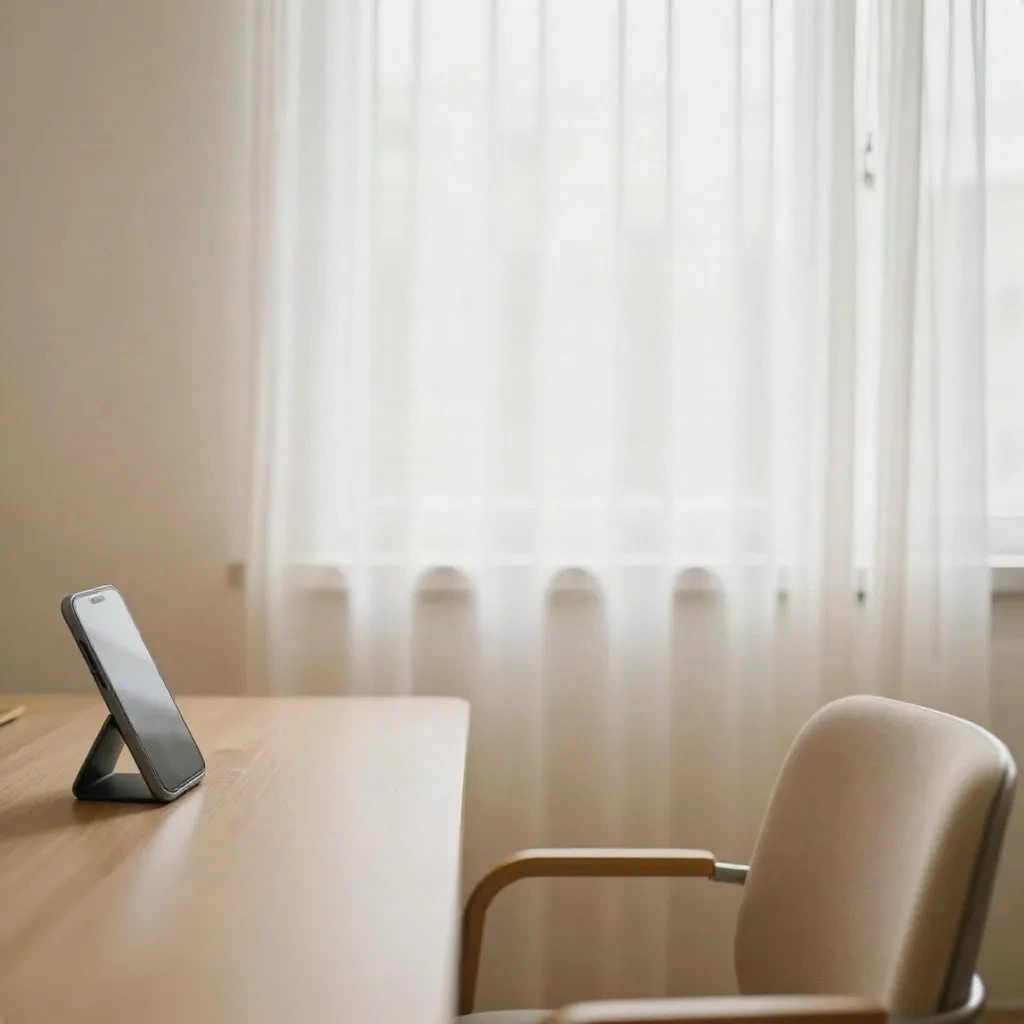
Light that wrecks a selfie:
Ceiling lights, which dig shadows into your eye sockets
Backlight, where the phone exposes for the window and turns you into a silhouette
Midday sun, which squints your eyes and blows out your forehead
Outside, find open shade (under a tree, beside a building) or shoot early morning and late afternoon. Flash is a last resort. In vibes terms, flash gives you red eyes and an interrogation-room look, unless you are going for that on purpose. Some people are.
PopSci's lighting and angle guide says basically the same thing: soft, frontal or slightly side light, no overhead glare. When a magazine and a bedroom tester agree, believe them.
Where should you hold the phone?
Slightly above eye level, tilted down a touch. That opens your eyes and tightens the jawline without the classic duck-face-from-below disaster.
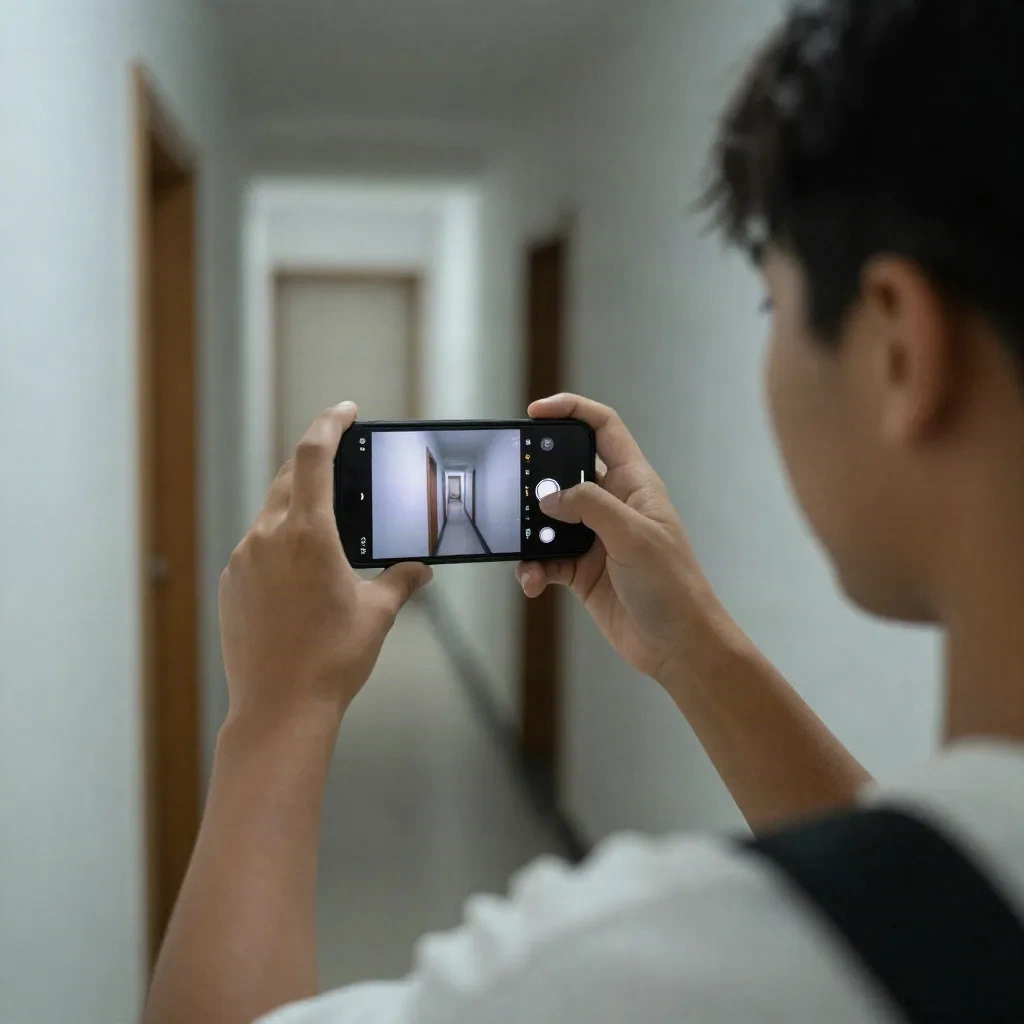
Rules of thumb, not commandments:
Phone just above your eyebrows, not above your head
Chin slightly forward and down, which defines the jaw
Rotate your face 10 to 20 degrees instead of squaring up to the lens
Look at the lens, not at your own face on the screen
That last one is the big one. Looking at yourself on the screen shifts your eyes down and the photo reads as distracted. Look at the little camera dot. It feels weird for about three selfies, then it's muscle memory.
Which camera setting changes everything?
Tap your face to lock focus and exposure, then slide the brightness down a hair if the window behind you is bright. Phones love to overexpose faces when you tap on a dark area.
Use the rear camera when you can. The main sensor is sharper than the front one, and a timer or a stand turns it into a real portrait setup. Set a 3 second timer, lean the phone on a stack of books, and walk back a bit. Instant better selfie, zero gear.
In practice, here is what's worth touching:
Portrait mode, but only if edges around your hair don't turn to mush (check, it fails often)
2x zoom to cut the wide-angle stretch
HDR on, so a bright window doesn't nuke your face
Beauty or smoothing sliders off, because that plastic look is why people say "ew, filtered"
Is the lens really dirty? (yes)
This is the boring tip nobody posts about. Your front camera lives in your pocket, then on your cheek. It's a grease magnet, and a smeared lens gives you that foggy, glowy haze that looks like a bad dream sequence.
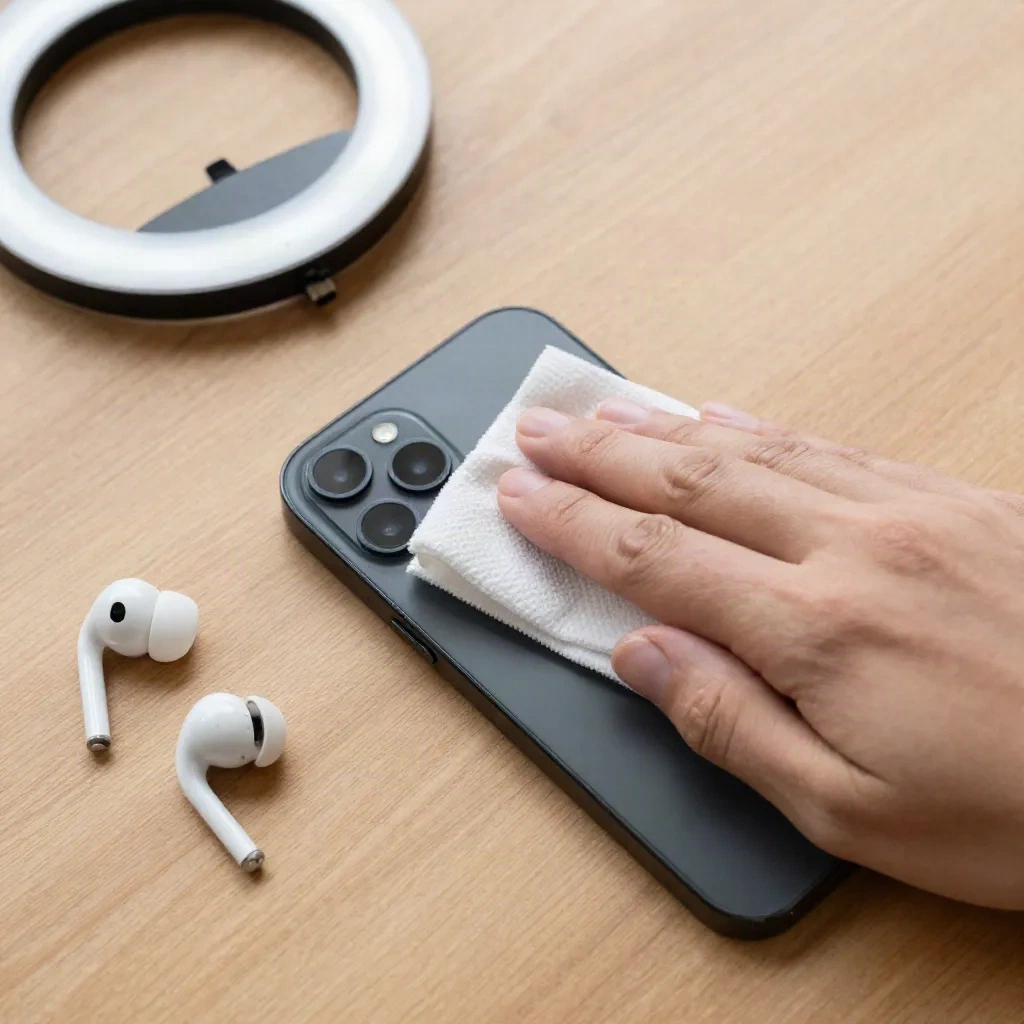
Wipe it with a clean cloth before you shoot. Seriously. This fixes more selfies than any app on your phone. If the haze is still there after a wipe, check for a cracked screen protector over the lens.
What about expression, makeup and the "good side"?
The best selfies look like a half-second caught, not a held pose. Try this: think of something mildly funny right before you tap. Relaxed eyes beat a forced smile.
A few small, real things that help:
Sit or stand with your shoulders back, not hunched over the phone
Take 10 shots, keep 1 (this is normal, not vain)
Check your teeth, your collar and the clutter behind you before you post
Skip the "good side" obsession, because most faces are slightly asymmetrical and that's what makes them yours
Quick honest limit: none of this fixes a bad day or a dark room. If the light is awful, do not fight it. Move to a different spot. Thirty seconds of walking beats ten minutes of editing.
Can AI make a bad selfie good?
Sometimes, and sometimes it makes it worse. The thing most people miss: AI tools read the photo you give them. Blurry, dark, tilted, half-cropped input gives you weird output.
Enhancers like Remini sharpen and unblur, which helps with a slightly soft shot but won't invent a face that wasn't lit. Remini's billing gets roughly 1.4 out of 5 on Trustpilot, mostly for weekly subscription and cancellation complaints, so read the plan before you tap.
Lensa is more of an editor: one-tap effects, a beauty toolkit and a photo enhancer. Good if you want cleanup and a trend look in one place.
Where it gets fun is style transfer. Facetopia has 180+ styles (anime, Renaissance portrait, Y2K mall teen, and more) and 10 free transforms a day, with Pro at $6/mo. The trick is feeding it the right source selfie: front light, face centered, no sunglasses, no heavy filter already baked in. A clean selfie in, a clean anime self out. A muddy selfie in, a muddy mess out. Trends change in weeks, but that rule won't.
If you want an AI photographer that trains on your selfies instead, Photo AI does that, and it needs a handful of good, varied shots to work from. It's a different goal from one-tap fun styles, and you pay for it.
Need a quick, free, in-the-moment swap with a friend instead? Snapchat does real-time face swaps with no upload and no processing wait, though the output is built for the feed, not HD downloads.
What does a good source selfie look like for AI styles?
Think of it as a checklist you run in five seconds before you upload:
Face fills about half the frame, eyes sharp
Front or window light, no strong shadow across one half
No glasses glare, no hat over the eyes, hair not covering the face
Neutral to light smile, so the style has room to do its thing
No beauty filter on top, since stacked filters give you stacked artifacts
One real friction: AI styles still handle some skin tones and curly or covered hair unevenly, and dark, low-contrast photos make it worse. If a render looks off, reshoot in better light before you blame the style.
What about mirror selfies and group shots?
Mirror selfies are their own genre. Clean the mirror (smudges show up as haze), stand a step back from it, and angle the phone so it covers your face or sits at chest height instead of blocking your eyes. Turn the flash off, because it bounces straight back at you.
Group selfies break the arm's length rule, so cheat: the tallest person holds the phone, everyone squeezes toward the center, and you tilt the camera slightly down. Count down out loud, shoot a burst, and pick the frame where nobody is mid-blink. Someone will be mid-blink. That's the law.
How do you stop a selfie from looking staged?
Move. Take a step, laugh at something, glance away and snap as you look back. Stiff poses read as stiff photos, and the audience scrolling past can smell it from three screens away.
Background matters more than people admit. A messy desk, a bright window dead behind your head, a poster cutting through your ear. Do a one-second scan of the edges of the frame before you tap. Fixing the background takes less time than fixing it in an editor, and it never leaves smudgy edges around your hair.
If you shoot for TikTok or Reels, shoot vertical, leave breathing room above your head, and keep the important stuff out of the bottom third where the captions and buttons live.
Should you edit at all?
A little, yes. Crop, nudge exposure, pull the warmth a notch. Stop there if you want the post to still look like you. The weird, over-smoothed look is exactly what the feed is tired of right now, and people notice.
If you're posting a regular selfie, keep edits to light and color. If you're making a style post, do the AI part after you've got a great source image, not instead of it. That order matters more than which app you pick.
What would we actually do tonight?
Wipe the lens. Walk to the nearest window. Hold the phone just above your eyebrows at full arm's length (or prop it up and use the timer). Turn your face a little. Look at the camera dot. Take ten shots, keep one.
Then, if you feel like it, upload that one to a style and see what comes back. Post what makes you laugh, not what you think looks perfect. In vibes terms, a selfie that looks like you on a good day beats a flawless one that looks like nobody.