AI Oil Painting: Turn Your Selfie Into a Real Canvas
Summary
AI oil painting turns your selfie into a classical portrait with thick brushstrokes and warm light in seconds. The trend blew up on TikTok and Instagram in 2026, riding the same wave as AI Yearbook and Renaissance portrait filters. Facetopia's oil painting style is one of the most shared on the platform right now. This article covers how it works, what to expect, which selfies render best, and where the style falls short.
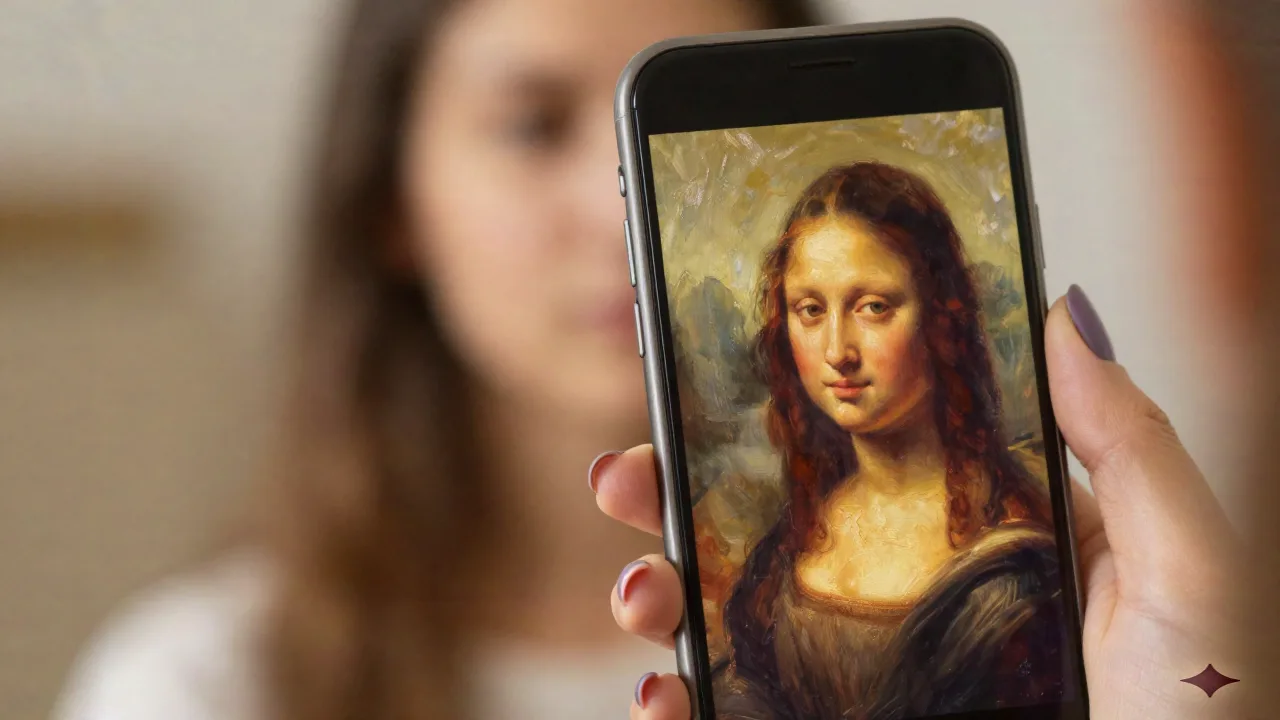
The AI oil painting style is everywhere right now. Upload ta selfie, wait about 20 seconds, and you get back something that looks like it belongs in a gallery: thick impasto brushstrokes, warm amber light, the kind of portrait your great-great-grandmother might have commissioned from a Dutch master. Except it took less time than brewing coffee.
Facetopia's oil painting style is one of the most-shared on the platform at the moment. Not because it is the only one doing it, but because the output actually looks like a painting and not a Snapchat filter with a brown tint slapped on. The difference is real once you run the same selfie through a few different apps.
Why the AI Oil Painting Trend Blew Up in 2026
The AI oil painting moment did not come out of nowhere. It follows a clear pattern that anyone who was on TikTok during the AI Yearbook wave will recognize: AI Yearbook exploded in late 2023 and ran for about 6 weeks. Renaissance portrait had its moment in early 2025. Every few months, a new art-historical style gets its viral window, burns hot, and then becomes background noise.
Oil painting is having that window right now in mid-2026, and a few things line up to explain why this specific style caught fire.
First, the quality has caught up to the expectation. Earlier attempts at photo-to-painting used style transfer algorithms that smeared your face into something vaguely impressionist. What you get now is genuinely different: the model understands how oil paint behaves, how light catches brushstrokes, how shadows pool under a jaw or across a collarbone. The result is plausible enough to make people stop scrolling and actually look.
Second, it is a format that posts really well. Unlike hyper-realistic AI portraits that read as just another edited selfie, the oil painting style immediately signals something different. The before/after post writes itself. The carousel format on Instagram (original selfie on slide one, oil painting on slide two) has been getting strong engagement numbers from creators across niches.
Third, it feels classier than the AI Yearbook or doll filter trends. There is a certain status signal to having yourself rendered in the style of a 17th-century Dutch master. People share it differently, with captions that lean into the museum-portrait angle. That shift in how people frame the post drives a different kind of engagement than the more obviously silly filters.
Le truc, c'est que the trend has a shelf life. Six weeks is a reasonable estimate before it becomes background noise. Worth posting now, not next month.
What the Facetopia Oil Painting Style Actually Does
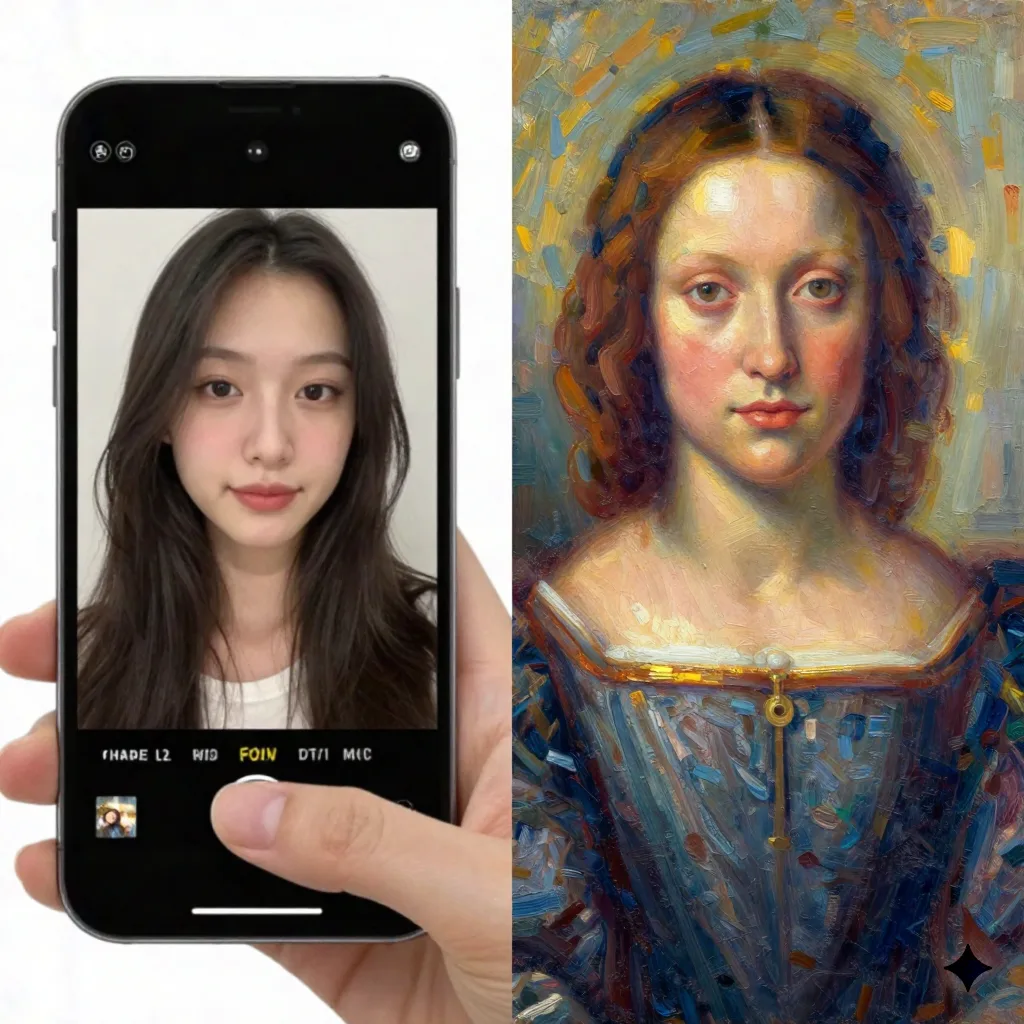
Facetopia has 180+ transformation styles and the oil painting one sits in a specific register: classical European portraiture, roughly Baroque to early Romantic. Think Rembrandt or Vermeer lighting, not Van Gogh swirls. The brushwork is visible but controlled. The color palette leans warm: ochre, burnt sienna, cadmium amber, with deep shadow zones that feel like a candlelit studio.
Voilà ce que ça donne in practice:
Your face is the focal point. The background blurs into soft, dark tones like a painted studio backdrop. Skin tones pick up warmth. Pores and texture get softened but not eliminated: it reads as paint, not porcelain. Hair becomes loose, fluid strokes. Fine detail (small earrings, precise makeup) tends to simplify down. Lighting gets remapped: whatever your original selfie lighting was, the output will generally shift toward a three-quarter, side-lit look that resembles old master portraiture.
The style works at 1 tap through the Facetopia app. You upload ta photo (or take one directly in-app), select the oil painting style from the catalog, and the result comes back in around 20 to 30 seconds. There is no prompt writing, no settings to tweak. For most people, the default output is already postable.
The free plan gives you 10 transforms per day, which is enough to test the style across a few different selfies and find the best one. Pro unlocks HD output and unlimited transforms at around $6/month.
Which Selfies Work Best: Be Honest With Yourself
Not every photo renders equally. Here is what I have learned from running probably 40+ selfies through the oil painting style on Facetopia plus a few competing apps.
Selfies that work well tend to share a few things: front-facing angle with clear lighting, ideally daylight from a window rather than a ring light or flash; one face clearly dominant in frame; an expression that is neutral to a slight smile (strong expressions distort more in the transformation); minimal accessories (statement earrings become muddy paint strokes, simple hoops tend to survive); and higher-contrast natural skin tones across the spectrum, both very fair and warm medium-dark skin both render cleanly.
Selfies that struggle consistently: photos taken under strong artificial studio lighting (the model re-maps it and sometimes creates odd shadow artifacts that look like a painting accident); multiple faces in frame (Facetopia picks the dominant face, the others disappear or become blurred background elements); glasses (always a problem in this style, frames sometimes vanish completely, sometimes morph into something decorative that was not in the original photo); and very deep skin tones with cool undertones, where the warm oil painting palette can introduce a color cast that does not feel accurate or flattering.
That last point is worth naming clearly. The classical oil painting palette is historically warm and historically trained on European portraiture. If your skin tone is deep or has strong cool undertones, the warm amber shift of the output can look off. Some users love the transformation effect anyway and do not mind it. But knowing this before you upload is better than being surprised by the result.
En vrai: if you want the cleanest output, take the test photo specifically for this style. Selfies with soft window light from slightly above and to the side, face tilted very slightly upward, consistently get the best results. Your existing camera roll selfies will work but a fresh photo taken for the purpose will render noticeably better.
Facetopia vs Lensa vs Remini on Oil Painting: What is Actually Different
Almost every major AI photo app has an oil painting or classical portrait mode now. The differences between them matter more than you might think.
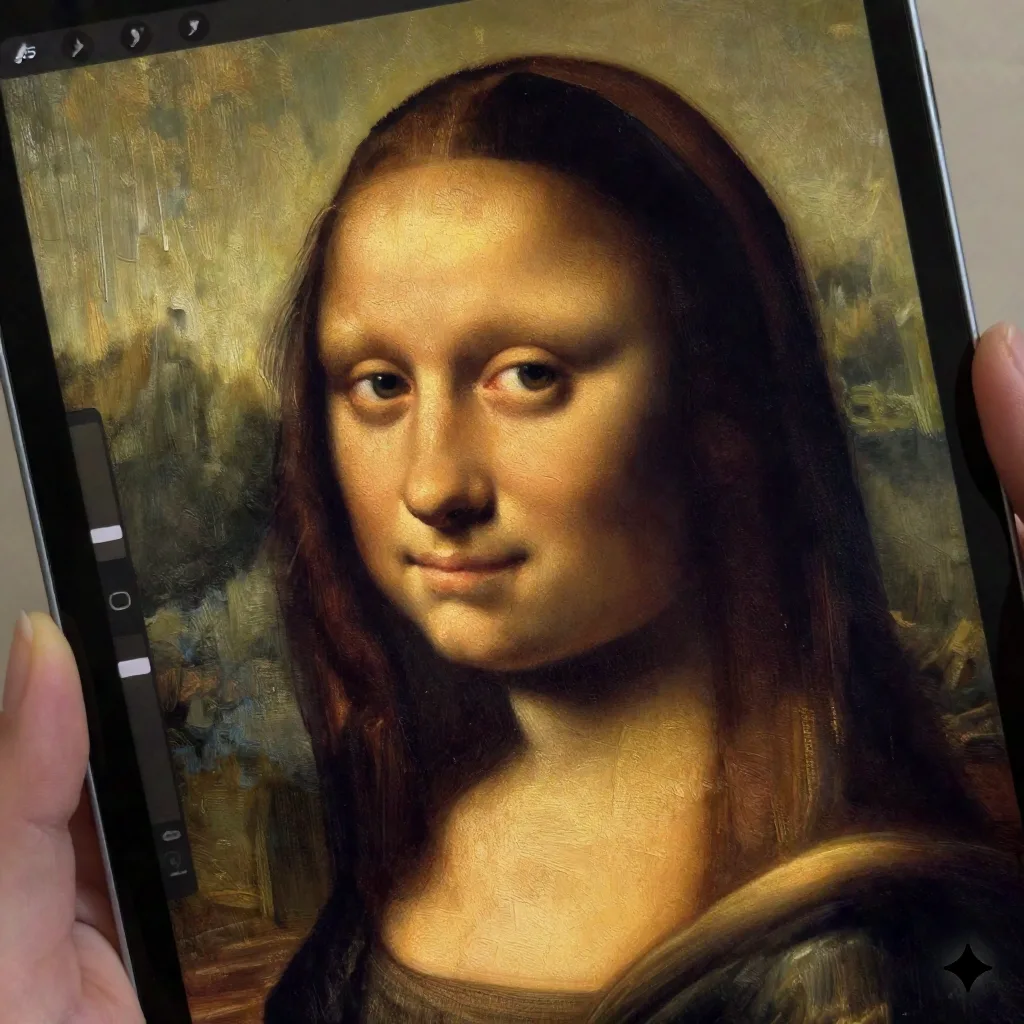
Lensa does artistic portrait styles but tends toward a painterly-smooth look that feels more like heavy Photoshop processing than actual oil paint. The outputs are polished and pretty but lack the impasto texture (the visible raised brushwork) that makes oil painting immediately recognizable as a style. If you want something that looks digitally enhanced in a tasteful way, Lensa delivers that. If you want something that reads unmistakably as painted, it falls a bit short.
Remini is strong specifically on Renaissance and Baroque portrait styles. Its model has clearly been trained on a lot of historical portraiture data and the skin rendering is excellent. The issue: it does not have the breadth of styles that Facetopia offers, and the pipeline is slower. If oil painting is the only style you care about and you want the highest possible fidelity in that one register, Remini is a real alternative worth testing.
Facetopia sits closer to Remini than Lensa on quality in this specific style, but with a faster turnaround and the ability to riff through multiple styles in the same session. If you want to post five versions: oil painting, anime, doll, elder, and vaporwave, all from the same selfie in one sitting, Facetopia is the better workflow by a significant margin.
Le truc, c'est que comparing apps on a single style misses the point of what Facetopia is. The oil painting style is one mode among 180+. The value is the whole catalog and the speed of iteration, not any single output. If you only ever want oil painting portraits, any of these three will work. If you want to stay on top of whatever style is viral this week, Facetopia is built for that.
The Limits Nobody Mentions
The oil painting trend is genuinely fun and the outputs on Facetopia are strong. But a few things are worth saying out loud because most coverage of this trend skips them.
It ages fast. AI Yearbook had about 6 weeks of mainstream traction. Renaissance portrait about the same. If you want to post while it still stops scrolls, now is the window. That is not a sales pitch, just an observation about how these art-history filter cycles move.
The warmth bias can be a problem depending on your skin tone. The classical oil painting palette is historically warm and historically European in its reference material. Deep skin tones with cool undertones can look color-shifted in a way that does not feel like you. This is a genuine model limitation and it is more honest to name it than to pretend all results are equally flattering across all skin tones.
It is not a painting. Obviously. But when you post it, some people in comments will ask who painted it or how long it took. Which is actually a fun comment section to have. Just worth knowing what you are putting out there and being ready to explain or not explain as you prefer.
Resolution matters more than you think. Facetopia Pro gives you HD output. The free tier (10 transforms/day) delivers at a resolution that is fine for phone screens and posting but will show compression if you zoom in close or try to print it. For posting on TikTok or Instagram: totally fine on the free tier. For printing on an actual canvas or getting it framed: use the Pro output.

How to Get the Best Posting Result From This Style
Quick workflow that actually works based on what is performing right now:
Take a fresh selfie near a window, face toward the light, with a slight upward tilt to the chin. This angle works well with the way the oil painting model maps shadow zones. Open Facetopia, select oil painting from the style catalog, and generate. Then, before posting, compare the oil painting result against one or two other styles from the same session: the contrast with something like the doll filter or vaporwave style makes excellent side-by-side content.
Post the oil painting version with the original selfie as the second image in a carousel. The before/after format consistently outperforms single-image posts on both Instagram and TikTok for this type of transformation content. The curiosity gap drives people to swipe.
The caption does not need to explain which app you used. Let people ask in comments. The "what app is this" comment is an engagement signal that pushes the post to more feeds. Some creators answer it in comments, some hold back for a story or follow-up post. Both strategies work.
Is the AI Oil Painting Style Still Worth Posting Right Now?
As of late June 2026: yes, but the window is not going to stay open much longer. The Renaissance portrait style peaked hard and then became background noise within about two months of going mainstream. Oil painting is following a similar arc: it went viral in mid-spring 2026 and is now in the mainstream-but-still-interesting phase.
T'as déjà vu passer the moment when a trend goes from something that makes people stop scrolling to something they scroll past. We are not there yet with oil painting. But we are closer to there than to the beginning of the wave.
Post it now, use the carousel format, and move on when the next thing breaks through. Facetopia will have that next thing. The 180+ styles catalog exists exactly for this: you stay in the game even when individual styles burn out, because there is always a next style worth trying before everyone else discovers it.