AI Generated Landscape: Prompts That Actually Work
Summary
AI landscape generation in 2026 is genuinely accessible without deep prompt engineering knowledge, but specificity is what separates good outputs from the generic. This piece covers which tools to use (Midjourney v7, FLUX 1.1 Pro, OpenArt), how to write prompts that don't produce stock-photo results, the honest tradeoff between photorealism and stylized output, and where the friction still lives for consistent results.
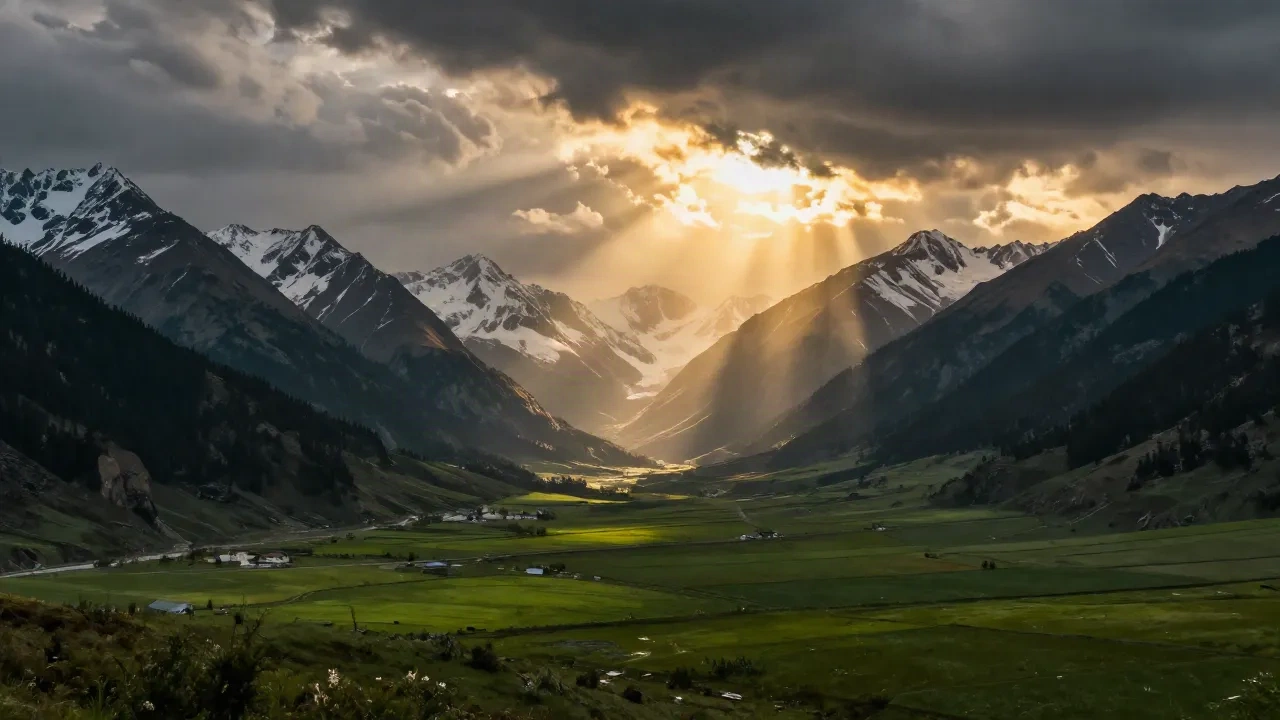
The SERP is flooded with AI landscape tutorials showing you the same five prompts everyone copies. Skip straight to what matters: if you want an AI generated landscape that looks cinematic and not like a stock image from 2019, stop being vague. "Beautiful mountain at sunset" gives you beautiful nothing. The tools that consistently deliver -- Midjourney v7, FLUX 1.1 Pro, OpenArt -- reward specificity: lighting condition, time of day, atmospheric density, foreground detail. Here's what that actually looks like in practice.
Why AI landscape generation is hitting different in 2026
TikTok accounts posting AI landscape reels are pulling 2-5M views on zero budget. Not because the landscapes are funny-looking, but because some of them are genuinely hard to tell apart from drone footage.
The shift happened somewhere between FLUX 1.1 Pro launching and Midjourney v7 dropping in early 2026. Midjourney v7 improved prompt understanding by 35% compared to v6 -- which sounds like a marketing stat until you actually try it and notice your prompts stop being misinterpreted in weird ways.
FLUX pushes photorealism harder. 95% prompt accuracy, consistent lighting across complex scenes. The benchmark numbers back it up, and more importantly, the output backs up the benchmark numbers.
The result: a generation of TikTok creators posting landscape content without ever touching a camera or a plane ticket. The bar to make something visually serious just dropped.
The tools everyone is actually using right now
Three tools dominate for landscape generation. Each does something different well, and picking the wrong one for your goal wastes a session.
Midjourney v7 tends toward cinematic and stylized. Every landscape gets a painterly quality -- rich detail, coherent lighting, compositional polish that feels deliberate. Critics sometimes call it "too beautiful" because it idealizes rather than renders literally. For creative and editorial use, that's often exactly what you want.
FLUX 1.1 Pro is where photorealism lives. If your goal is generating something that could pass for a real location, this is the starting point. Faster iteration too -- important when you're running 15+ variants in a session.
OpenArt AI gives you 100+ model access under one roof, including FLUX variants, Midjourney-style models, and fine-tuned landscape-specific checkpoints. For people who want to experiment without committing to one subscription, or who want to run the same prompt through multiple models and see what lands.
A note on Stable Diffusion: landscape-tuned checkpoints like EpicRealism still have a dedicated crowd who'll argue they outperform everything on specific styles. They're not wrong. But the setup friction is real if you're not comfortable with ComfyUI or A1111. For most people, the hosted tools above are the faster path to results.
Prompts that work vs prompts that sound like they work
The difference between a prompt that delivers and one that sounds poetic but produces nothing useful:
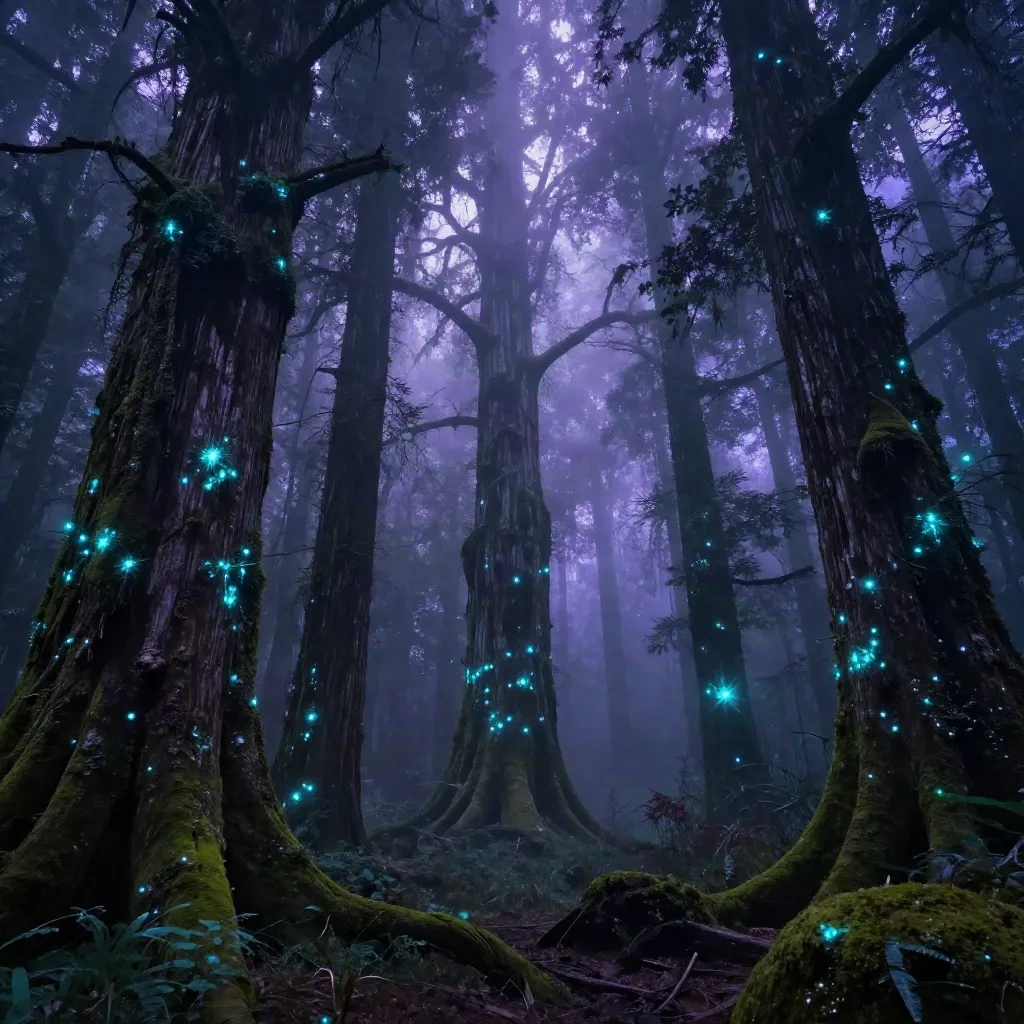
Weak: "a beautiful forest in the fog at night with glowing trees"
Strong: "ancient temperate rainforest, dense Douglas firs with bioluminescent lichen on bark, ground fog at knee height, blue-hour diffused light filtering through dense canopy, photorealistic, wide-angle perspective, shallow depth of field, 8K"
What changed:
Named the specific tree type (Douglas firs, not just "trees")
Specified exactly what's glowing and why (lichen on bark, not "glowing trees")
Defined fog height precisely ("knee height," not just "foggy")
Named the lighting with precision (blue-hour, not just "nighttime")
Added a camera perspective and focal technique
The models respond to photographic language. "Overcast diffused light" beats "cloudy." "Golden hour side-lighting casting long shadows" beats "warm light." "Wide-angle lens with foreground detail" beats "scenic view." Think in terms of how a photographer or director would describe a shot, not how you'd caption an Instagram post.
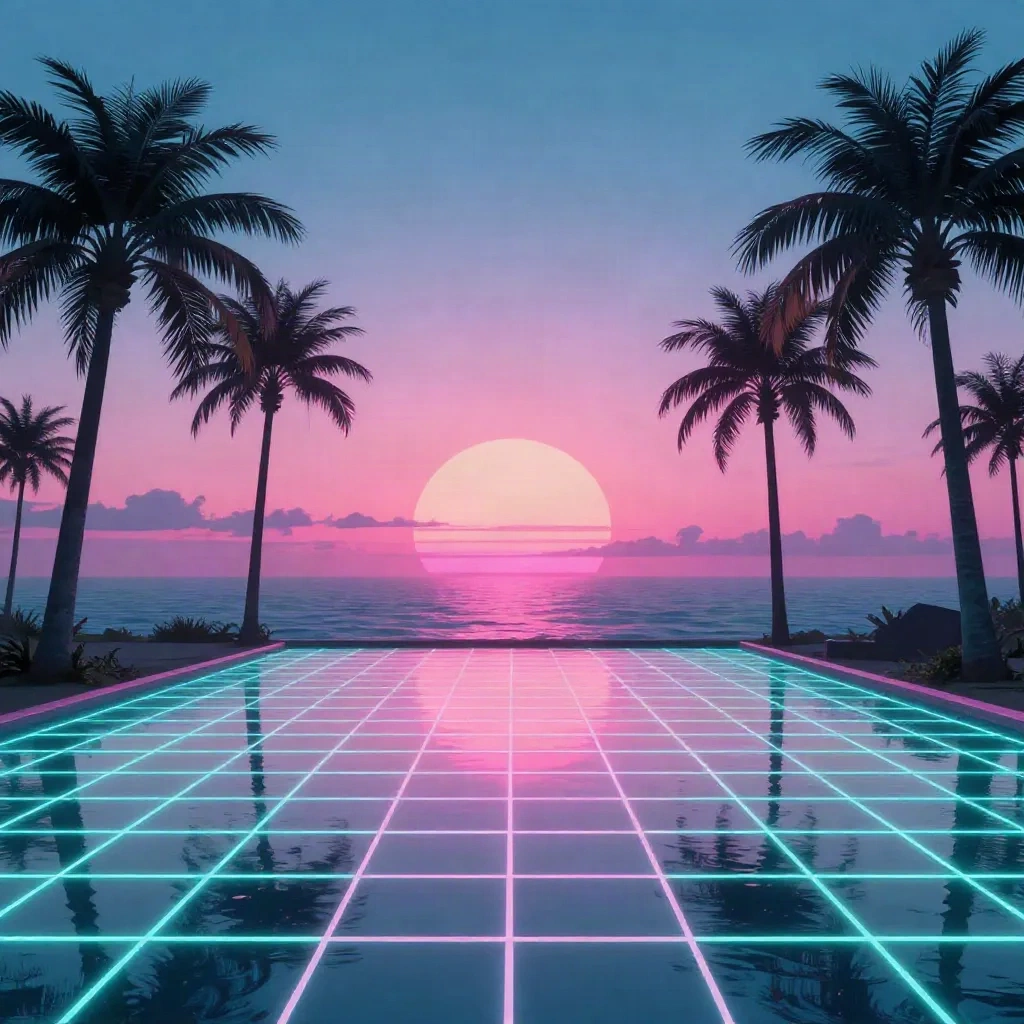
For the vaporwave and Y2K aesthetic this crowd gravitates toward: the trick is in the color palette spec, not the vibe word. "Retrowave" in a prompt gives you something generic every time. "Neon magenta and cyan color palette, reflective water surface, retro-futuristic palm tree silhouettes, low horizon grid pattern, 80s synthwave aesthetic, dreamlike soft atmosphere, no grain" -- that's specific enough to get a real result.
Photorealistic vs stylized: the honest breakdown
Photorealism is harder than the tool demos make it look. The models that push it hardest -- FLUX specifically -- sometimes produce what the AI community calls "uncanny valley landscapes": technically detailed but somehow wrong. The proportions of a cliff face off by 15%. The scale of waves relative to rocks making no sense. The way a forest canopy absorbs light doing something that doesn't exist in physics.
You can't prompt your way out of this consistently. FLUX with a detailed prompt gets you 80-90% there. The last 10% is iteration -- you're generating variants until one lands without the artifact.
Midjourney's "too beautiful" quality compensates for reality's messiness with visual coherence. For wallpapers, Reels backgrounds, and social media aesthetics, that often works better than photorealism anyway. Nobody stops scrolling because something looks too polished.
Honest answer: if your goal is "post this on TikTok and have people genuinely ask if it's a real location" -- start with FLUX. If your goal is "create something that has strong visual personality and stops the scroll even if it reads as AI art" -- Midjourney is the faster path.
The wallpaper reveal format taking off on TikTok
There's a specific format doing numbers right now: phone wallpaper reveal videos. You generate 8-12 AI landscapes, pair them with a trending sound, and post a "which wallpaper should I use" style video. Low production cost, high engagement because comments naturally drive saves -- and saves feed the algorithm more than any other signal.
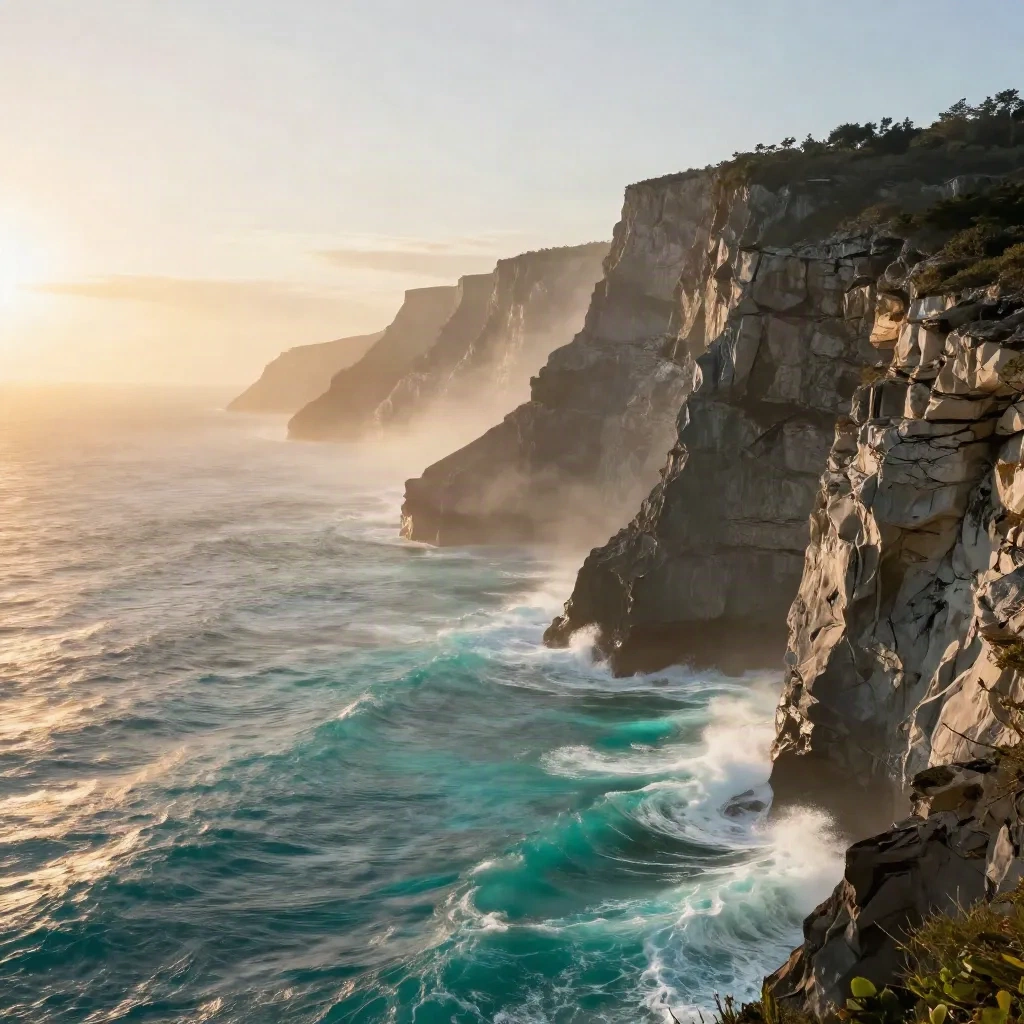
The accounts doing this well aren't generating random pretty scenes. They're picking one aesthetic and staying in it -- dark academia forest, ethereal ocean cliffs, vaporwave synthwave city -- and posting five to ten variations of that one world. Cohesion is what converts a view into a follow. One viral image does nothing for retention.
For aspect ratio: generate at 9:16 natively if the tool allows it (OpenArt and several FLUX interfaces do), or crop intelligently from a 16:9 output. The extend-and-blur method for adding height to wide outputs works, but it shows up close on a phone screen.
Using AI landscapes for your feed and your creative projects
This is where the Facetopia angle comes in. AI landscapes aren't just for wallpaper reveal videos -- they're creative raw material for basically anything visual.
As a backdrop for portraits. AI generated environments as backgrounds for photos (yours or your subjects') are underused. A correctly scaled, correctly lit landscape background can give a single portrait a sense of place and mood that a studio backdrop can't touch. The key is matching the lighting direction in the AI landscape to the lighting on your subject -- otherwise the composite reads immediately as fake.
As an aesthetic mood board. If you're building a content theme or a visual identity -- for a TikTok account, a creative project, anything -- generating a set of AI landscapes is a fast way to define your color palette and atmosphere before you commit to shooting in the real world. Generate 20, pick 3-4 that feel like the same world, and you have a reference set.
As a 3D background for Reels. Several editing apps (CapCut, some frame.io workflows) support virtual backgrounds that track camera movement. A high-resolution AI landscape renders better in these contexts than stock footage, and it's original content rather than something 400 other creators are also licensing.
The overlap between AI image generation tools and what Facetopia users are already doing -- building visual identity, creating content that looks distinct, posting things that feel like they came from a creative direction -- is real. The tools are there. The usage is still early enough that doing it intentionally puts you ahead.
Where the friction still lives in 2026
Not everything is smooth. Points of real friction that nobody mentions in the "AI landscape is easy now" content:
Consistent style across multiple images is still unsolved without LoRA training. Generate 10 landscapes in one session and they'll look like they came from 10 different artists, even with the same prompt. For a cohesive feed or content series this is a genuine problem.
Text in images breaks. Any AI landscape with embedded text -- location labels, poetic captions, coordinates -- will have errors or visual artifacts. Never generate text inside the image. Add it after in CapCut or a similar editor.
Extreme camera angles are inconsistent. Bird's eye perspectives and very low drone angles produce warped results far more often than eye-level or mid-elevation views. If you need a specific aerial perspective, budget for 8-10 generations to get one clean output.
A workflow that actually works on your first session
One concrete approach that skips the wasted first hour:
Pick one aesthetic direction for the session -- cinematic photorealism, stylized fantasy, or vaporwave synthwave -- and commit to it. Switching aesthetic targets mid-session means you can't compare outputs meaningfully.
Use this prompt structure: [environment type] + [specific flora or geological feature] + [lighting condition] + [time of day] + [atmospheric element] + [camera perspective] + [style reference] + [resolution note].
Generate 4-5 variants on one prompt before changing the prompt. Each variant teaches you something about what the model is actually interpreting from your words. Change one variable at a time, not the whole thing.
Save the versions that work immediately. The randomness built into image generation means the same prompt won't reproduce the same output twice. If something lands, it's yours once -- download it.
If you're on OpenArt, the model choice matters more than most people expect. Running the same prompt on FLUX vs a landscape-tuned Stable Diffusion checkpoint can produce outputs that look like completely different tools made them. Test the same prompt across two models before committing to one direction.
The first generation session is usually frustrating. The second one is where things click. Most people quit after session one.
FAQ
What is an AI generated landscape? An AI generated landscape is an image of a natural or fictional environment created by an artificial intelligence model using a text description. No camera, no location, no shooting -- the model creates the visual from scratch based on your input.
Which AI tool makes the best landscape images? Midjourney v7 for stylized, cinematic results with strong visual coherence. FLUX 1.1 Pro for photorealistic landscapes with accurate lighting. OpenArt AI for access to 100+ models without committing to one subscription. Each has different strengths for different goals.
How do I write better AI landscape prompts? Be specific: name the exact tree type or geological feature, the precise lighting condition (golden hour, blue hour, overcast), the atmospheric density (morning mist, thick fog), and the camera perspective. Avoid vague adjectives like "beautiful" or "stunning" -- the models need concrete visual information.
Is AI landscape generation free? Partially. Midjourney has no free tier as of 2026 (Basic plan from $10/mo). FLUX is available free through several platforms including some OpenArt tiers. Most tools offer limited free credits before requiring a subscription.
Can I post AI generated landscapes on TikTok or Instagram? Yes, with disclosure. Both platforms require AI content labels in 2026. TikTok requires you to mark AI-generated content. The content itself is allowed; the label is what's required.
What makes an AI landscape look realistic vs fake? Lighting consistency, atmospheric depth, and correct scale relationships. Fake-looking landscapes usually have inconsistent light direction, objects that are the wrong scale relative to each other, or edges that look digitally sharp in a way real photography isn't.
How do I keep a consistent style across multiple AI landscapes? Use identical prompt structure and copy the exact same model parameters across generations. Some platforms support "seeds" that partially anchor the style. For serious consistency, you'd need fine-tuning (LoRA) -- which is a step beyond casual use but the honest answer for content series.