Midjourney Free Alternative Apps for AI Selfies (2026)
Summary
Looking for a midjourney free alternative that can actually edit a selfie instead of generating art from a blank prompt? Midjourney has no free tier and can't touch a photo you've already taken. We tested OpenArt AI, Leonardo AI, Ideogram, and Playground AI on the same face across three styles. OpenArt AI's face swap and free tier make it the closest match, Leonardo AI is the fastest free photoreal option, and Ideogram keeps a face recognizable across styles best.
Midjourney doesn't have a free tier, and it can't touch a photo you already took of your own face. So if you're hunting for a midjourney free alternative because you want to turn an actual selfie into something (anime you, doll you, whatever's currently blowing up your For You page), you need a different kind of tool. One that starts from your photo instead of a blank prompt, and doesn't ask for a card before you've seen a single result.
Why Midjourney doesn't fit the assignment here
Midjourney is genuinely good at what it does. Painterly, stylized, moody, all the concept-art stuff people screenshot for Pinterest boards. The problem is what it doesn't do. There's no free tier anymore (Basic starts around $10/mo, no trial), and every image starts from a blank text prompt. You can't upload a selfie and ask it to reimagine your actual face in a new style, because that's not the job it was built for. For anyone trying to see what they'd look like as an anime character or a 90s yearbook photo, that's the wrong tool before you even open your wallet.
What I actually tested this on
I ran the same plain, front-facing test photo (neutral background, no filter) through four midjourney free alternatives in the first half of August 2026: OpenArt AI, Leonardo AI, Ideogram, and Playground AI. Same three prompts on each: an anime version, a painted portrait, and a moody photoreal look. What I was checking: does it accept an uploaded photo at all, does the face still look like the same person across all three styles, and can you get to a finished image on the free plan without hitting a paywall halfway through.
OpenArt AI: the one that actually deals with your face
OpenArt AI is the only tool here with a dedicated face swap feature built specifically for putting your face into a look, not just generating a vaguely similar stranger. Its AI Canvas also does real inpainting, so you can touch up just the eyes or the hair instead of rerolling the whole image and hoping. The bigger thing for repeat use: you can train a custom LoRA character on a handful of your own selfies, so a style stays recognizably you across dozens of generations instead of drifting after the third try. The free tier's credits are enough to actually test this before paying anything.
The tradeoff is choice paralysis. A hundred-plus models is a lot to sort through the first time, and credit costs swing depending on which one you pick, so a heavy style-hopping session can burn through the free tier faster than you'd expect.
Leonardo AI: fastest free render if you just want one clean shot
If OpenArt AI is the deep option, Leonardo AI is the fast one. The daily free token allowance is generous enough to get a full round of style tests done without paying, and its photoreal models are actually tuned for skin and lighting instead of defaulting to painterly. There's a built-in upscaler too, so what you export is large enough to actually post instead of a blurry preview.
The catch: those daily tokens reset and disappear fast if you keep iterating on the same face, and some of the better face-editing tools sit behind the paid Apprentice tier once you want more control.
Ideogram: keeps your face recognizable across styles
Ideogram's whole thing is character consistency, keeping a specific face recognizable across a batch of very different-looking generations, which is exactly the problem most AI portrait tools have. The free tier (about 10 prompts a day, no card needed) is usable enough to see if it works for your face before committing to anything.
Where it falls short: plain photorealism isn't its strength, it's noticeably softer and less convincing on a straight portrait than Leonardo AI or OpenArt AI, and that daily cap runs out fast if you're testing more than one or two looks in a sitting.
Playground AI: the one to open when you've got five minutes
Playground AI is the lowest-effort option on this list. No card required, a template library that makes the whole thing approachable if you've never touched a model picker in your life, and it bundles GPT Image 2 and Nano Banana Pro behind one prompt box, both of which are genuinely decent at faces.
It's built more for design templates and merch mockups than a dedicated portrait workflow though, and editing an existing selfie is template-first rather than the real inpainting you get from OpenArt AI or Leonardo AI. Good for a first look, not the tool you settle into.
The honest limits nobody puts in the headline
Every single one of these tools, including the winner, still handles darker skin tones less consistently than lighter ones, with more visible artifacts and color shifts. Glasses and facial hair also trip up all five platforms more often than the marketing pages let on. None of this is unique to one product, it's the state of face-focused AI right now, and any comparison that doesn't say so is skipping the part that actually matters if it's your face going in.
Which one should you actually open
If you want the closest thing to a Midjourney that will actually touch a photo of you, start with OpenArt AI. If you just want one clean, free, photoreal shot without digging through a hundred models, Leonardo AI is faster. If the same face needs to survive five wildly different style prompts without turning into a stranger by prompt three, Ideogram earns its spot. And if you've genuinely got five minutes and no expectations, Playground AI is the one with the lowest barrier to just seeing what happens.
At-a-glance
| OpenArt AI | Leonardo AI | Ideogram | Playground AI | |
|---|---|---|---|---|
| Starting price | $9.99/mo (Starter), free tier first | About $12/mo (Apprentice), free tier first | $7/mo (Basic), free tier first | Free to start, paid design/print tiers layered on |
| Free plan | Yes, limited monthly credits, no card required | Yes, daily token allowance, no card required | Yes, about 10 prompts/day, no card required | Yes, no card required to start |
| Edit your own uploaded selfie | Yes, face swap plus AI Canvas inpainting on your photo | Yes, canvas-based editing on an uploaded image | Limited, mostly text and character edits, not full inpainting | Limited, template-first workflow rather than true photo editing |
| Keeps the same face across styles | Strong, via custom LoRA character training on your own selfies | Moderate, consistent within one session on the same model | Strong, dedicated character-consistency tools | Weak to moderate, depends on the bundled model picked |
| Looks like a real photo, not a painting | Photoreal to stylized, depends on the model picked from 100+ | Strong photoreal, models tuned for skin and lighting | Decent on stylized looks, weaker on plain photoreal scenes | Varies a lot, bundled models range from photoreal to graphic |
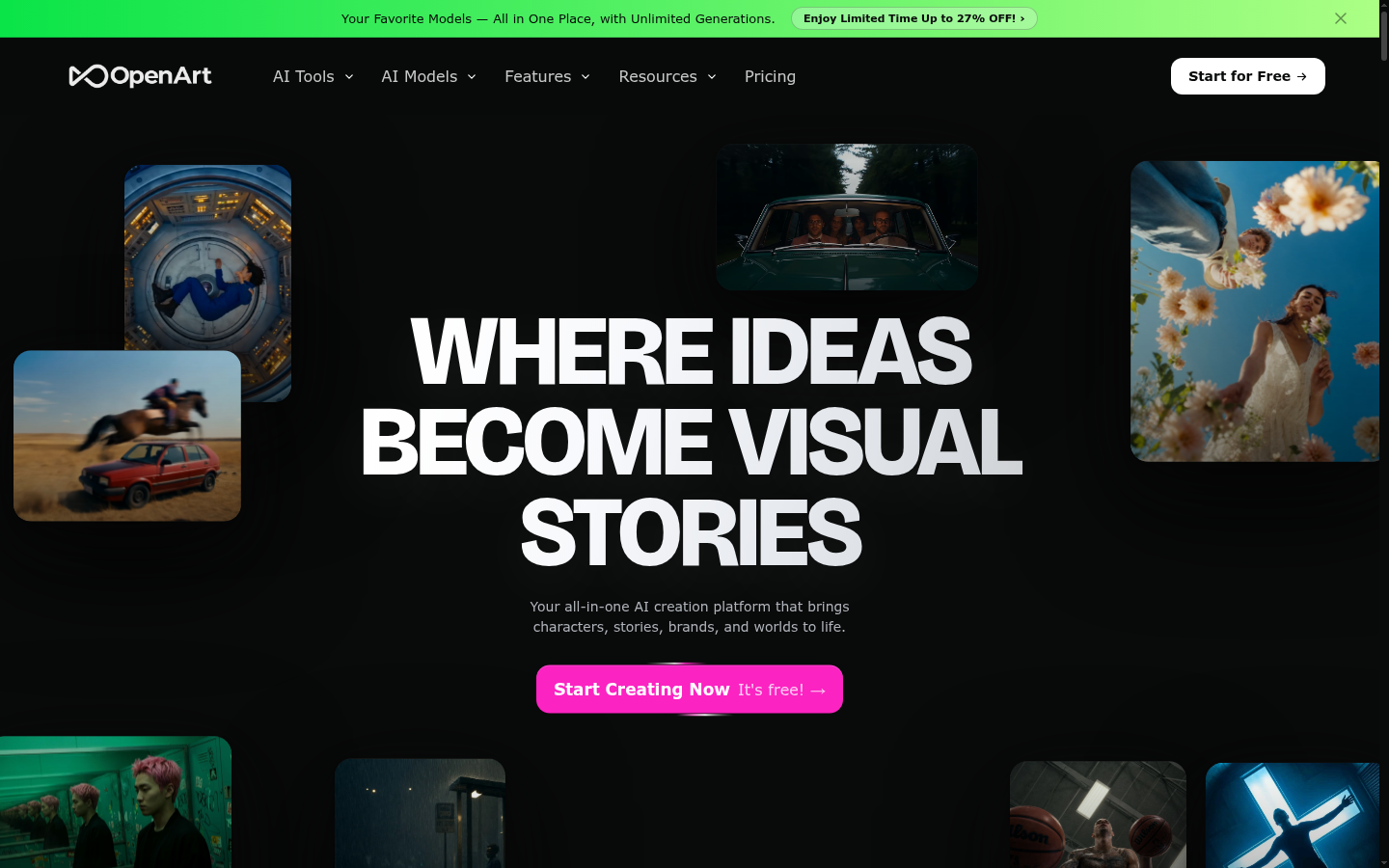
OpenArt AI
- Dedicated face swap tool built for putting your face into a specific look
- AI Canvas inpainting lets you touch up just the eyes, hair, or background instead of regenerating the whole face
- LoRA character training lets you feed it your own selfies so a style stays recognizably you
- Free tier carries enough monthly credits to actually test it before paying
- Picking the right model out of 100+ options takes real trial and error the first few times
- Credit costs vary a lot by model, so a heavy style-hopping session can burn through the free tier fast
The closest thing to Midjourney that will actually touch a photo of you.
Leonardo AI
- Free daily token allowance is generous enough for a full round of style tests
- Photoreal models are tuned for skin, hair, and lighting rather than painterly effects
- Built-in upscaler exports a version large enough to actually post, not just preview
- Daily free tokens reset and run out fast if you iterate on the same face a lot
- Some of the stronger face-editing tools sit behind the paid Apprentice tier
The fastest free path to a single believable portrait render.
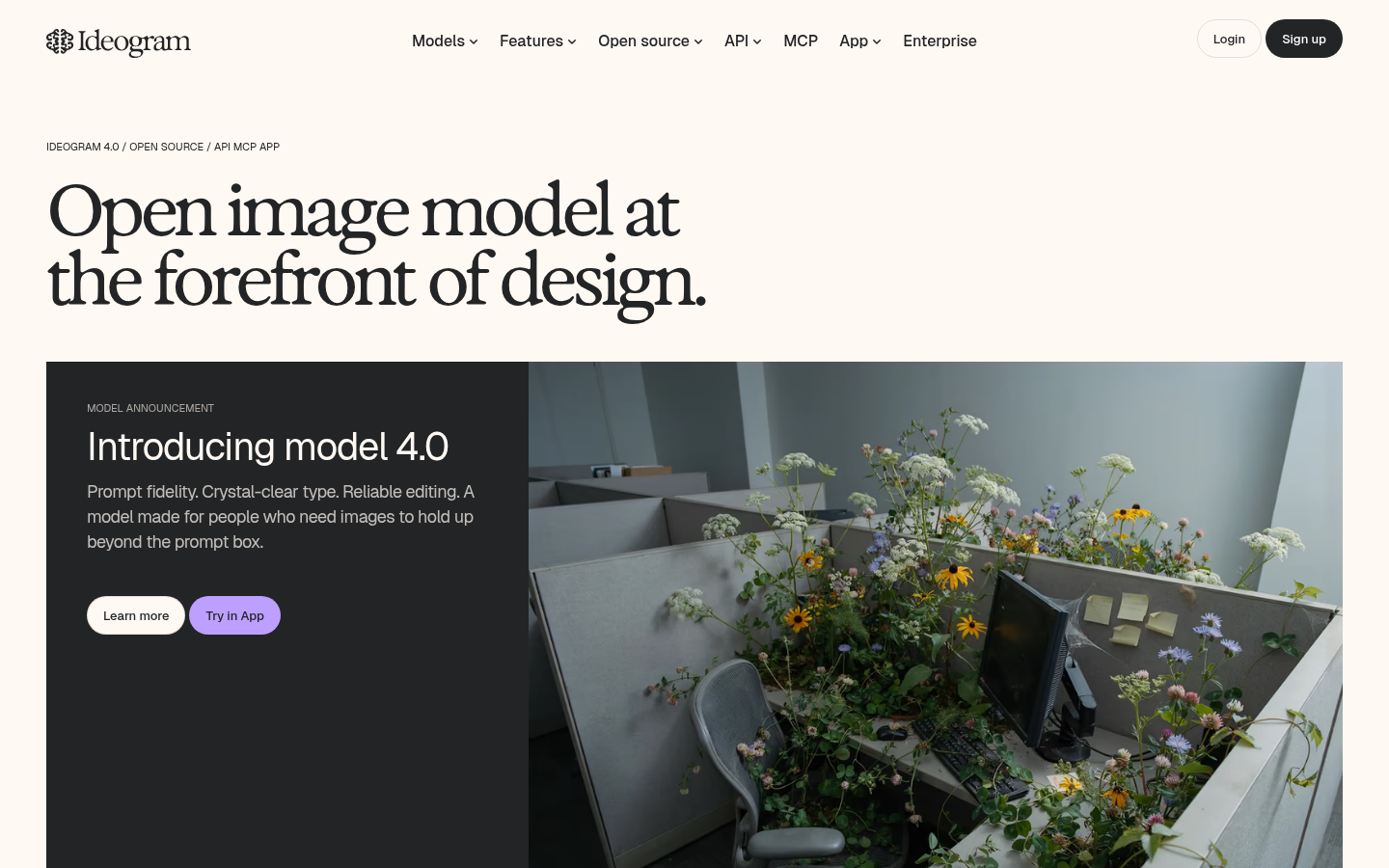
Ideogram
- Character-consistency tools keep a specific face recognizable across multiple generations
- Free tier is usable with no credit card required, roughly 10 prompts a day
- Best-in-class at rendering legible text, useful if a style needs captions or labels baked in
- Photorealism on a plain portrait lags behind Leonardo AI and OpenArt AI
- Free daily generation cap runs out fast if you're testing more than one or two looks
Skip it for painterly art, use it when the same face has to survive five different styles.
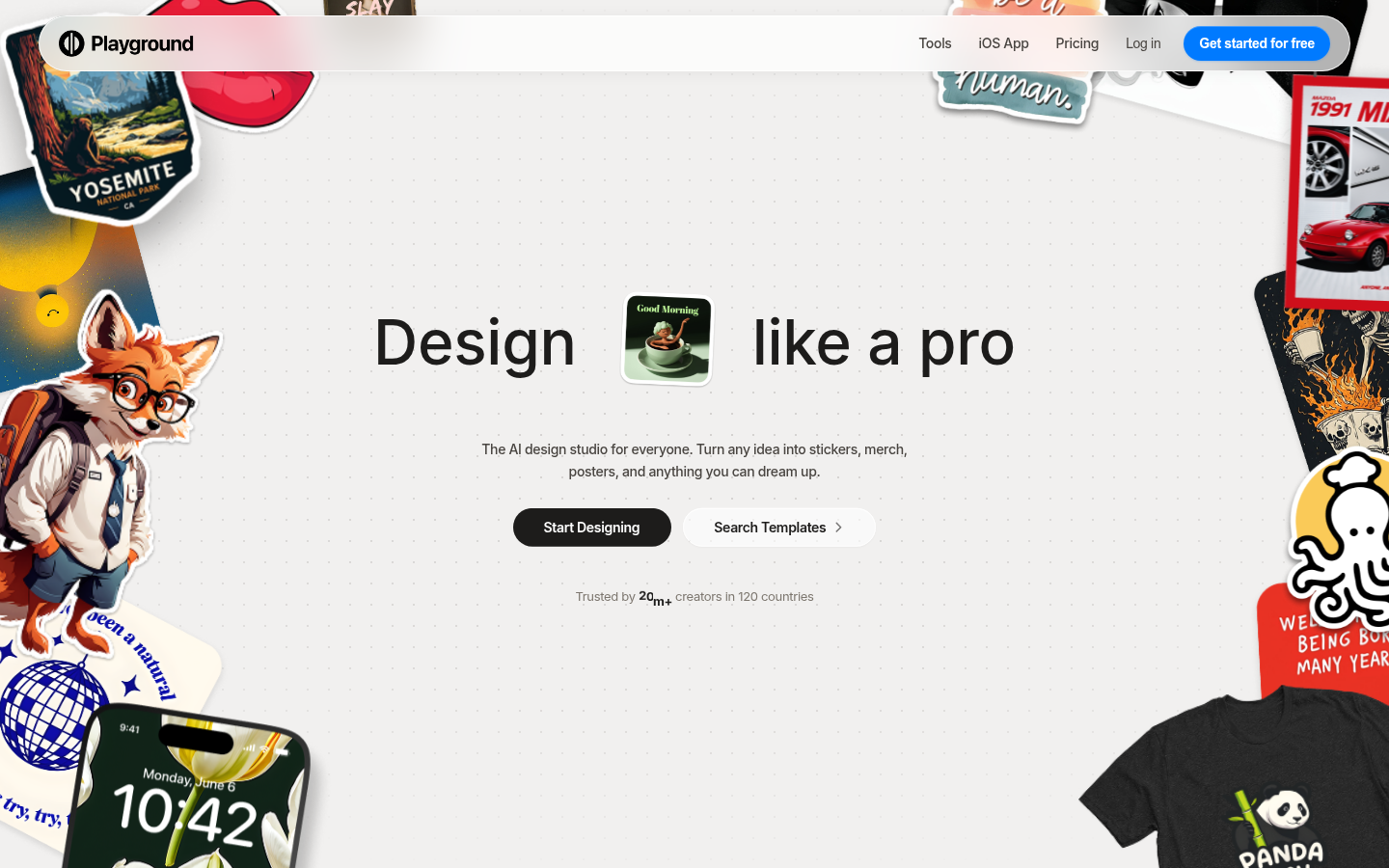
Playground AI
- Free to start with no credit card, good for a genuinely low-stakes first try
- Bundles GPT Image 2 and Nano Banana Pro behind one prompt box, both solid at faces
- Template library makes the whole thing approachable if you've never touched a model picker before
- Editing an existing selfie is template-first, not real inpainting like OpenArt AI or Leonardo AI
- Leans more toward design templates and merch than a dedicated portrait workflow
The easiest one to open when you just want to see what happens, not commit to a workflow.
Verdict
OpenArt AI is the midjourney free alternative worth opening first if you actually want to edit your own selfie: real face swap, inpainting, and a free tier that doesn't ask for a card. Leonardo AI wins if you just want one fast, photoreal render. Ideogram is the pick when the same face needs to survive five different styles. Playground AI is the lowest-effort first look. Midjourney still wins on pure painterly art, just not on your actual face.
How we tested
I ran the same plain, front-facing test photo (neutral background, no filter) through all four midjourney free alternatives in the first half of August 2026, checking three things per tool: whether it could start from that uploaded photo at all instead of only generating from a blank prompt, whether the face stayed recognizable across three different style prompts (anime, painted portrait, and a moody photoreal look), and whether the free tier was usable enough to reach a finished image before hitting a paywall. Every product screenshot in this comparison is a real, unedited capture of each tool's live homepage at 1440x900, not a marketing render or a press kit image. Pricing was checked against each vendor's own public pricing page at the time of writing and can change. One limit worth naming since it rarely makes it into comparison posts: face-editing tools across this entire category, not just one of them, still handle darker skin tones less consistently than lighter ones, and glasses or facial hair tend to introduce small artifacts more often, on every platform tested.